 ModelFold
gpt-image/1.5-text-to-image
GPT Image 1.5 is OpenAI’s flagship image generation model for high-quality image creation and precise image editing, with strong instruction following and improved text rendering.
Pricing: 6 credits / image.
Explore more Image to Image models
More AI models from OpenAI
Latest and popular AI models
Affordable OpenAI GPT Image 1.5 API
Integrate GPT Image 1.5 for image generation and editing through ModelFold. Use the Playground to compare text-to-image and image-to-image workflows, and consult the current price table before submitting a request.
Overview of OpenAI GPT Image 1.5 API
Text-to-Image with GPT Image 1.5 API
The GPT Image 1.5 API enables developers to generate high-quality images directly from text with strong prompt adherence and reliable composition. Compared to earlier versions of the ChatGPT images, GPT Image 1.5 delivers more realistic visuals and improved text rendering—especially for dense or small text within images.
Image Editing and Style Transformation
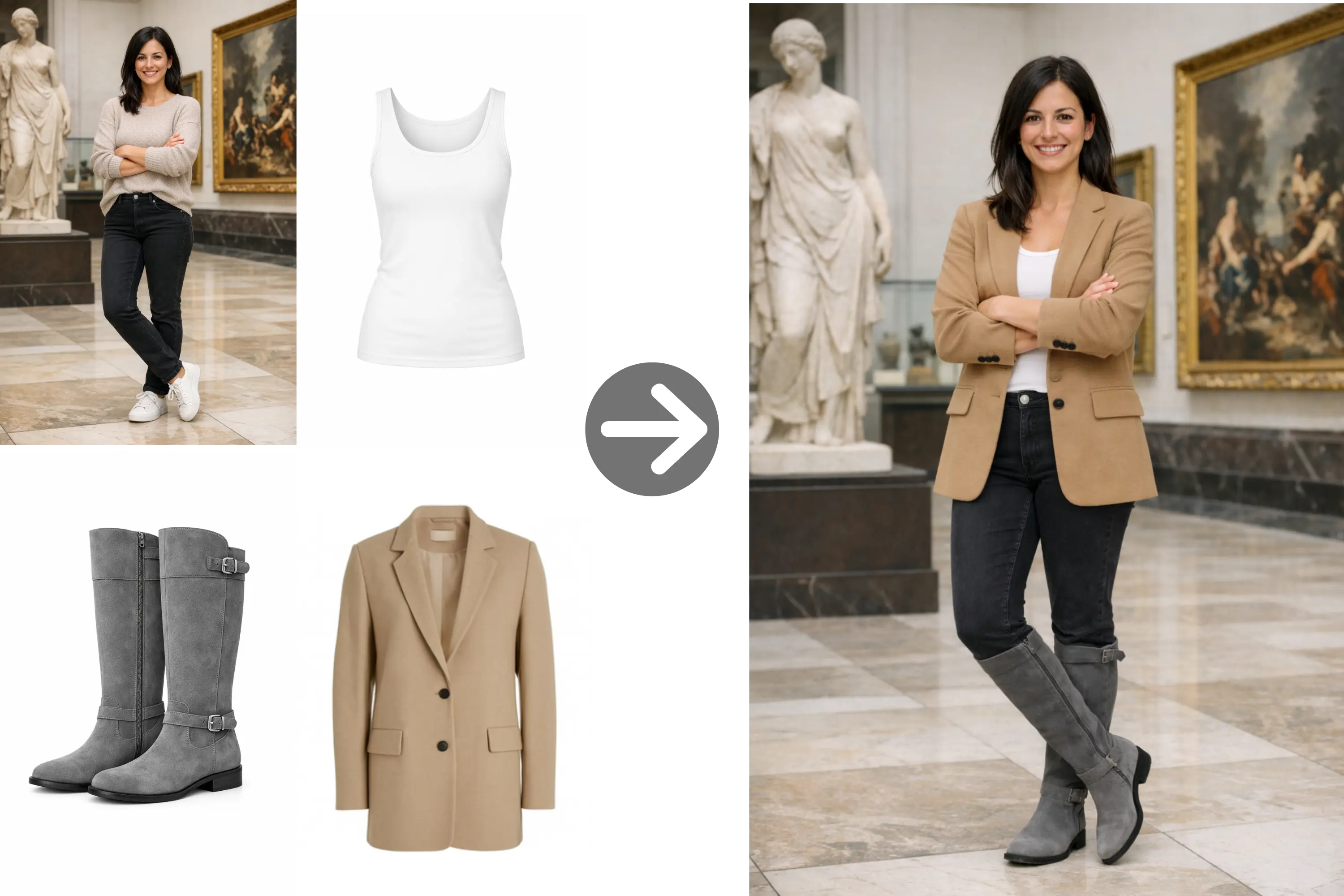
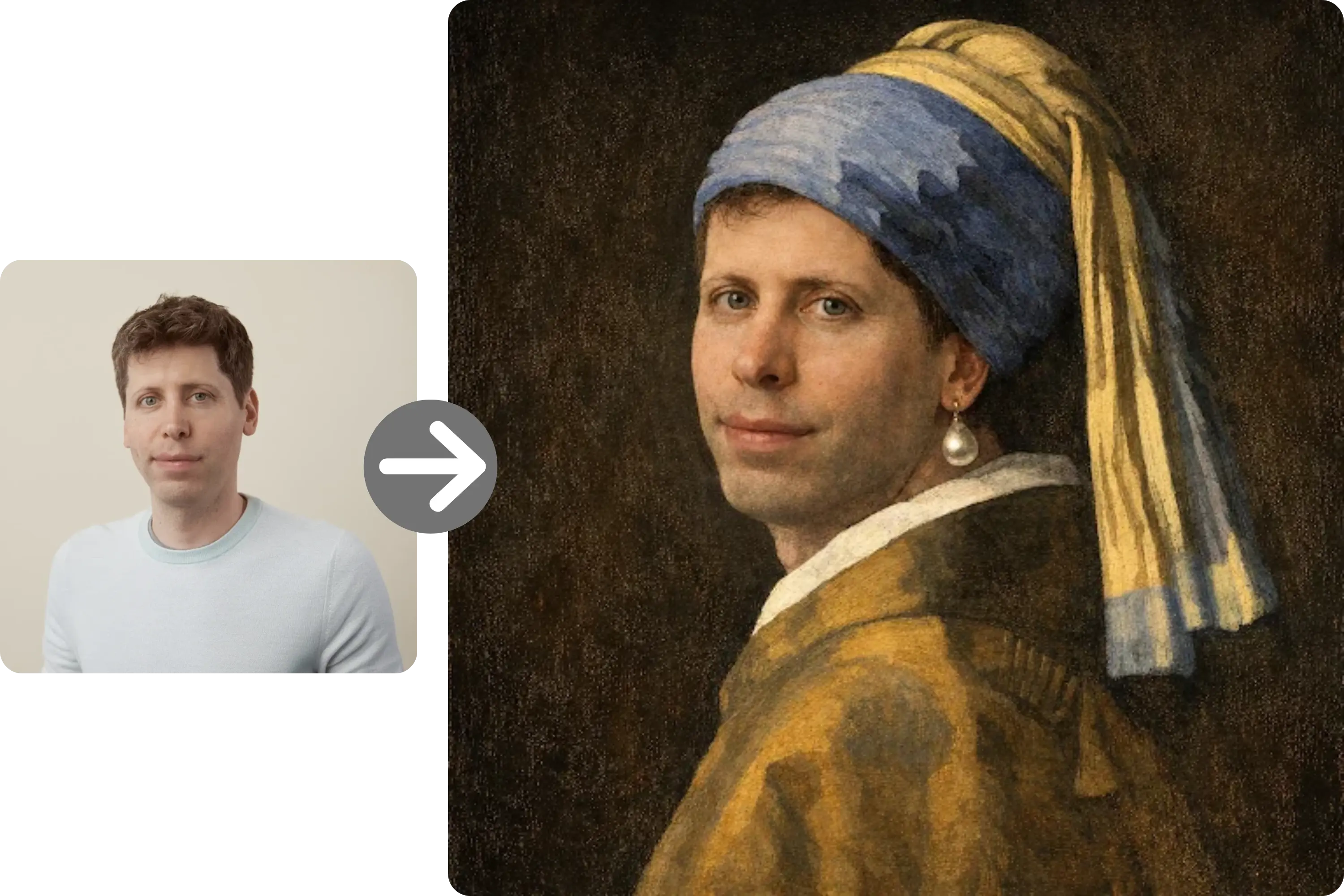
GPT Image 1.5 supports image editing and style transformation from reference images and a prompt. Describe the details to preserve and the changes to make, then review the result before using it in production.
What’s New in GPT Image 1.5 Compared to Previous ChatGPT Images
More Precise Editing and Style Transformations
The GPT Image 1.5 delivers more precise image editing while preserving critical details such as lighting, composition, and character identity. It supports creative transformations with fine-grained style control and style transfer, allowing developers to apply visual changes without losing consistency across edits. This makes iterative workflows more reliable, especially for brand- or identity-sensitive use cases.
Stronger Text Rendering in Images
The gpt-image-1.5 AI model takes a clear step forward in text rendering, especially for dense or small text inside images. This improvement makes the model more suitable for use cases like posters, infographics, UI mockups, and branded visuals, where legible and accurate text is essential.
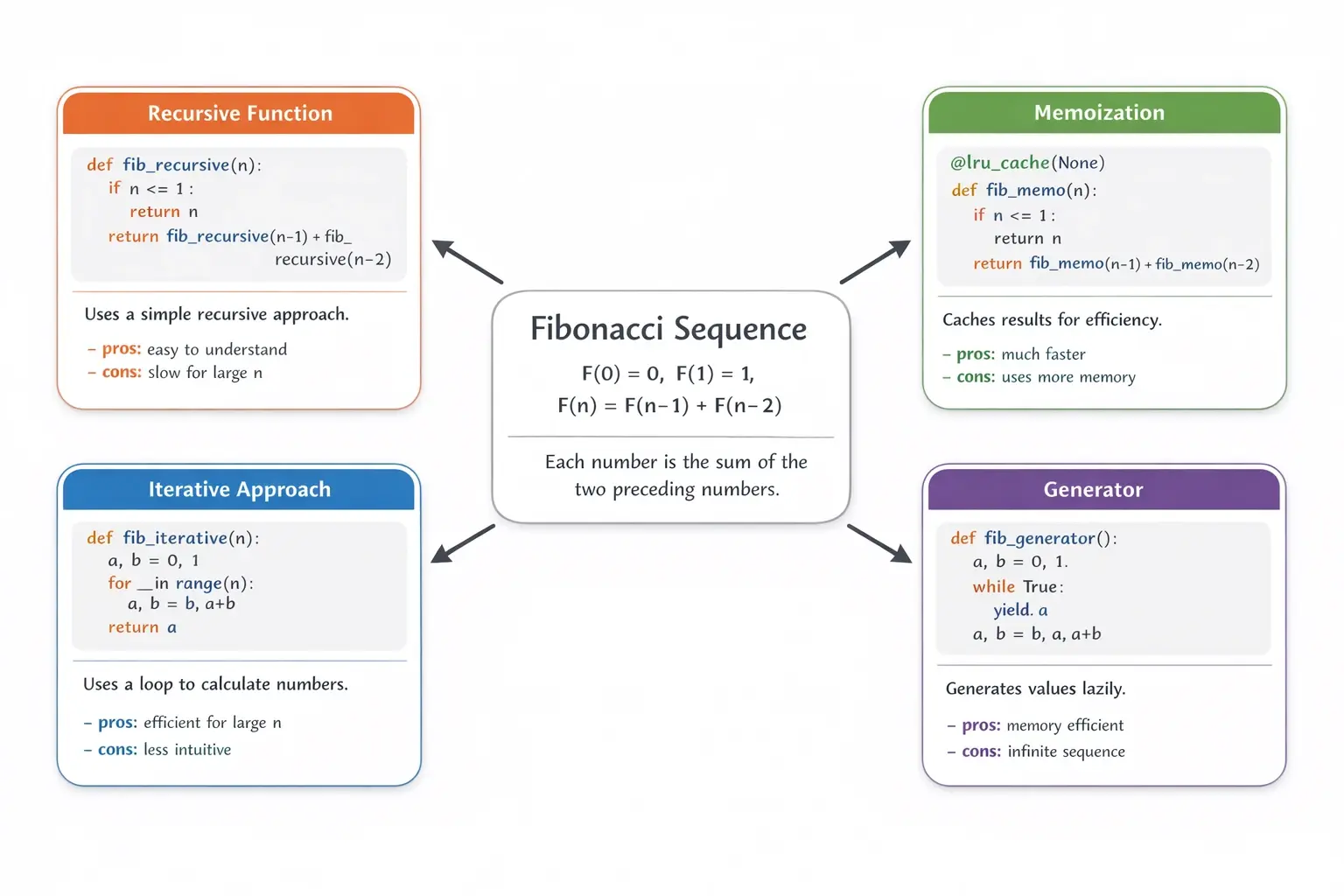
More Reliable Instruction Following
Compared to earlier ChatGPT Image versions, GPT Image 1.5 follows instructions more consistently. This improves the accuracy of image edits and also enables more complex original compositions, where relationships between elements—such as positioning, scale, and layout—are preserved as intended. Developers can achieve the desired result with fewer prompt revisions.
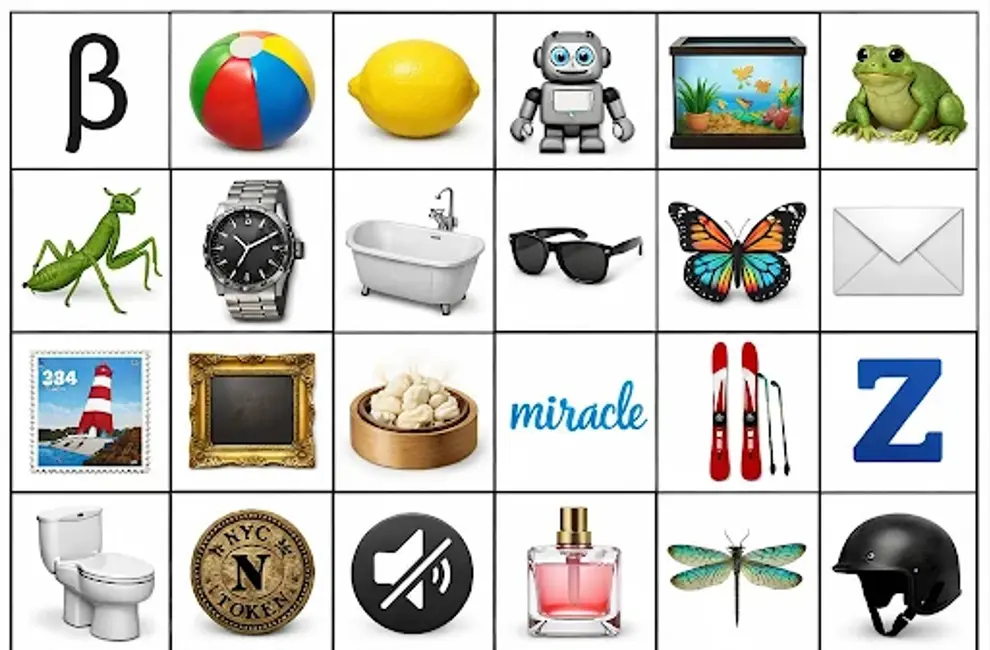
Higher Visual Fidelity and More Natural Outputs
As an upgraded AI image generation model, GPT Image 1.5 produces more realistic images with improved lighting, material accuracy, and overall visual coherence. It also performs better in challenging scenarios, such as rendering many small faces or maintaining natural proportions, resulting in outputs that require less post-processing.
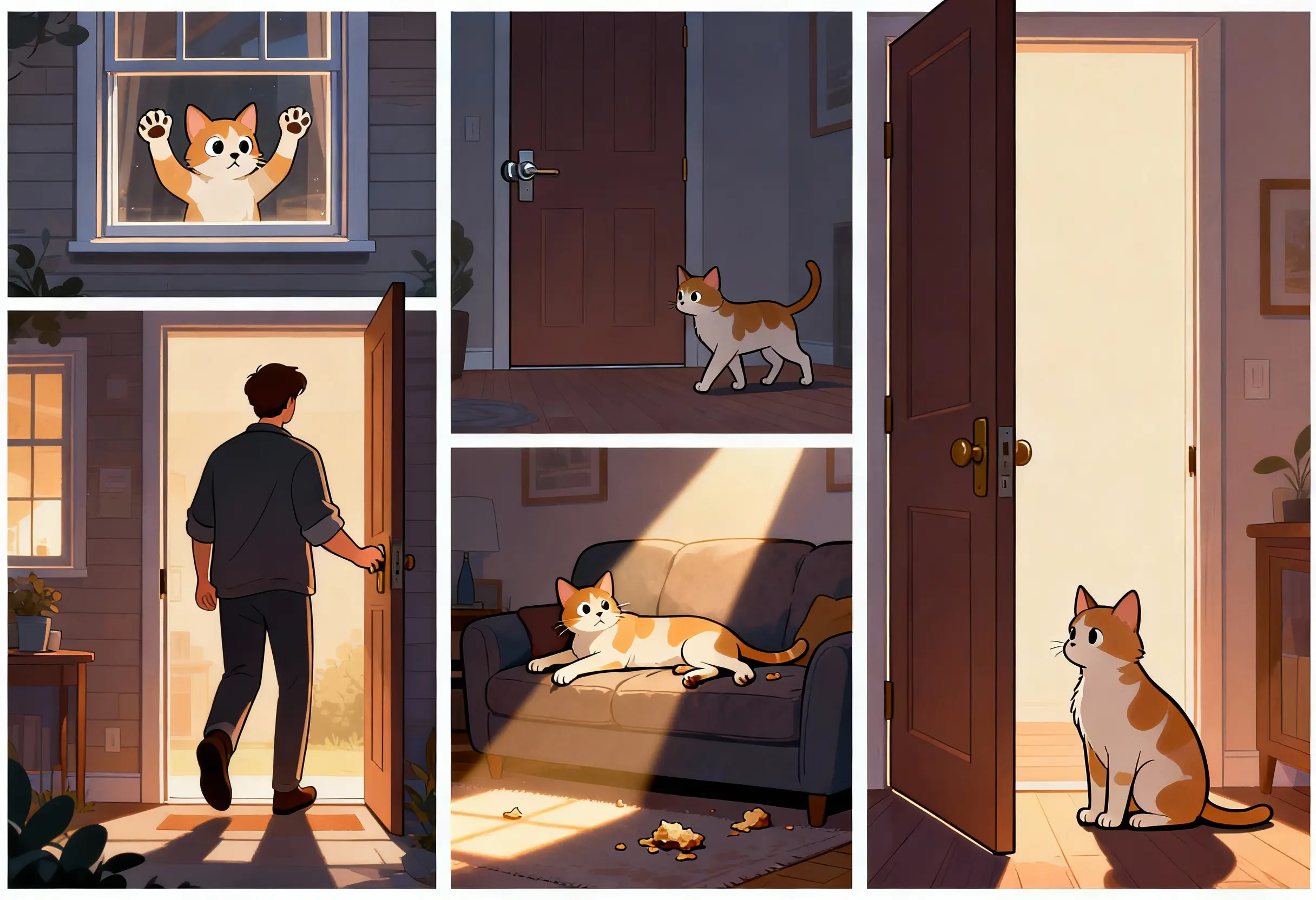
Faster Generation and Better Cost Efficiency
GPT Image 1.5 supports iterative image creation and editing. Actual latency depends on the request and service load. ModelFold bills according to the current price table on this page; official OpenAI prices do not determine your ModelFold charge.
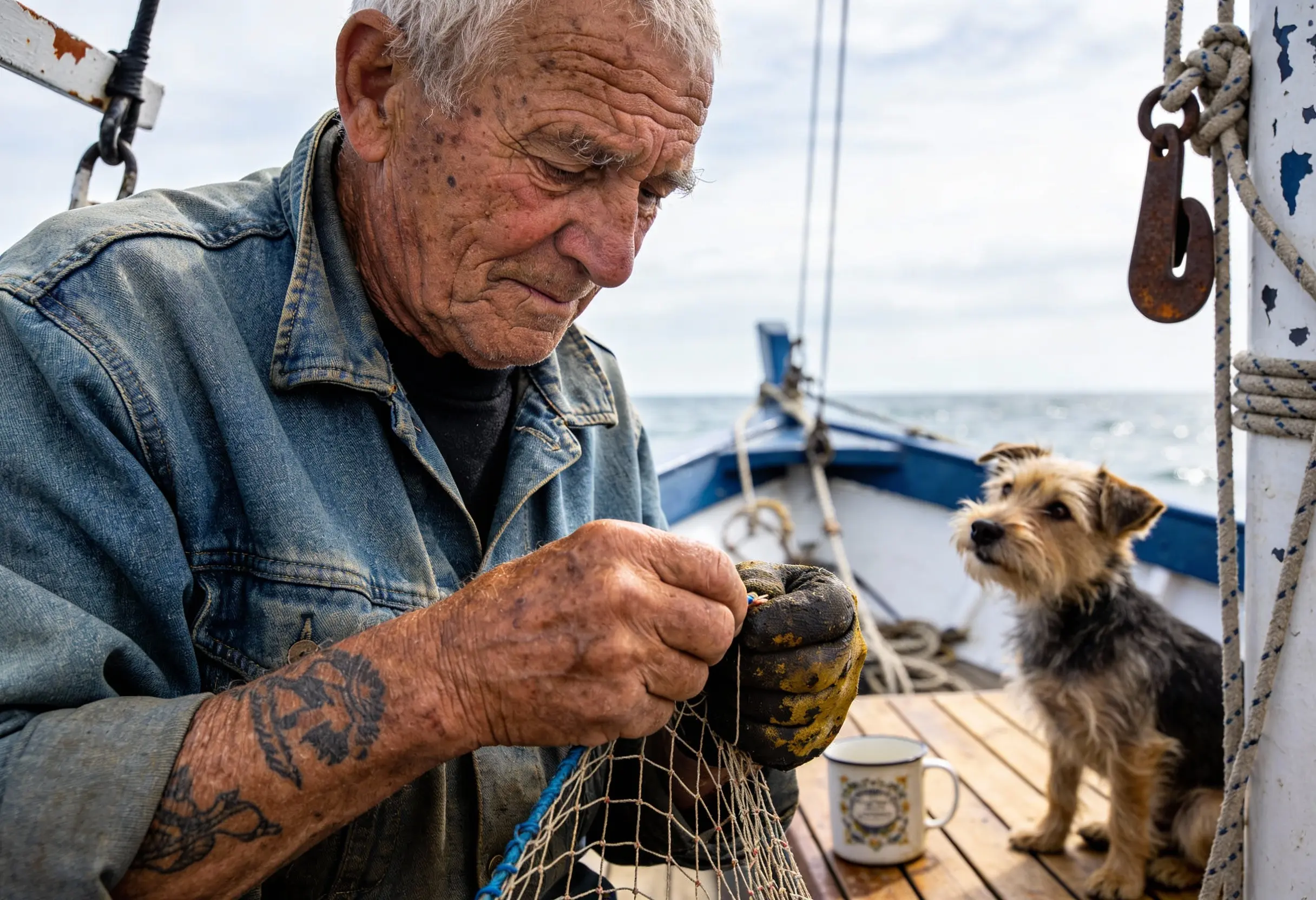
Stronger World Knowledge and Visual Reasoning
As an advanced AI image generation model, GPT Image 1.5 demonstrates stronger real-world knowledge and reasoning. This allows for more accurate depictions of objects, environments, and scenes, reducing visual inconsistencies and implausible details. The result is imagery that better aligns with real-world expectations and requires less manual correction.
GPT Image 1.5 API on ModelFold: Affordable, Stable, and Secure
More Affordable GPT Image 1.5 API Pricing
ModelFold offers access to the GPT Image 1.5 API at a lower cost than the official OpenAI pricing, making it easier to control expenses in production environments. The gpt-image-1.5 API Price is based on a flexible credit system, so you only pay for what you use—no subscriptions.
Secure API Key Management and Usage Controls
Create and revoke API keys in your ModelFold account. Monitor requests and credit consumption in the account usage logs. Keep keys on the server and never expose them in browser code.
Clear GPT Image 1.5 API Doc and Developer Support
ModelFold provides detailed GPT Image 1.5 API documentation that covers endpoints, parameters, examples, and important notes. In addition, technical support is available to help developers troubleshoot issues and integrate the gpt-image-1.5 API more efficiently.
Stable Infrastructure with High Concurrency Support
The GPT Image 1.5 API on ModelFold is built on a stable infrastructure that supports high concurrency and sustained throughput. This makes it suitable for production systems that require reliable performance under load, such as SaaS products, automation pipelines, and real-time image generation services.
How to Integrate the GPT Image 1.5 Model
Create a GPT Image 1.5 Generation Task
Call POST /v1/images/generations with your ModelFold API key. Set model to gpt-image/1.5-text-to-image or gpt-image/1.5-image-to-image; the family name gpt-image-1.5 is the page slug, not the request model ID.
Configure Inputs for Generation or Editing
Provide a prompt for text-to-image. For image-to-image, also provide reference images using the image field shown in the Playground. Use only parameters supported by the selected variant.
Handle Generation Results
The public image generation endpoint returns the generation result in its response. The website Playground manages background jobs and lets you return to check progress. Do not use upstream task or callback endpoints with a ModelFold key.
Retrieve Results and Monitor Usage
After a task completes, retrieve the generated image URLs from the task result and integrate them into your application. Usage metrics and credit consumption can be monitored to help manage GPT Image 1.5 API costs.
Use Cases for the GPT Image 1.5 API
Product Image Generation and Catalog Expansion
The GPT Image 1.5 API is well suited for generating consistent product images at scale from text descriptions or reference photos. Ecommerce teams can use this ChatGPT Image Generation API to create product variants, lifestyle scenes, and multiple viewing angles from a single source image, while preserving key visual details. This helps reduce manual design work and accelerates catalog expansion without compromising visual quality.
Brand-Safe Image Editing and Asset Iteration
With its strong preservation of layout, lighting, and identity, the gpt-image-1.5 API is ideal for brand-sensitive image editing workflows. Marketing and design teams can update visuals—such as swapping backgrounds, adjusting compositions, or refining layouts—while keeping logos and core brand elements consistent. This makes the GPT Image 1.5 editing API a reliable choice for iterative asset updates across campaigns.
Text-Heavy Visuals and Structured Graphics
The OpenAI GPT Image 1.5 API offers improved text rendering, making it effective for generating images that include dense or precise text. Common use cases include posters, infographics, UI mockups, and instructional visuals where legibility matters. Developers building content tools or internal platforms can rely on this AI image generation model to produce structured visuals that require minimal post-editing.
Automated Image Generation for SaaS
Developers can integrate the GPT Image 1.5 API into SaaS products and internal systems to automate image creation and editing tasks. Typical applications include user-generated content features, report visuals, and design previews generated on demand. With asynchronous execution and predictable outputs, the gpt-image-1.5 API fits well into scalable, high-throughput workflows.
FAQs About ChatGPT Image API
What is the GPT Image 1.5 API?⌄
GPT Image 1.5 is an OpenAI image model for text-to-image generation and image editing. ModelFold exposes these capabilities through two selectable variants and a unified image generation endpoint.
What improvements does GPT Image 1.5 compared to GPT Image 1?⌄
Compared to GPT Image 1, the GPT Image 1.5 API provides more precise image editing, stronger instruction following, improved text rendering, and more consistent preservation of visual details. It also delivers faster generation and lower image input/output costs, making it better suited for production workloads.
How does OpenAI GPT Image 1.5 compare to Google Nano Banana Pro?⌄
Both are strong AI image models, but they emphasize different strengths. GPT Image 1.5 tends to be better for instruction-following and iterative editing, while Nano Banana Pro is often reported to perform better on certain languages and highly photorealistic renders. For production, the best choice depends on your specific prompts and templates.
How do I manage security and usage limits when using the GPT Image 1.5 API?⌄
Create or revoke keys in the API Key page, review request logs and monitor your wallet balance. Keep API keys private and avoid placing them in frontend code.
Where can I find GPT Image 1.5 API documentation for developers?⌄
Use the API section on this page and the ModelFold documentation for authentication, request parameters and response examples. The public image generation endpoint is POST /v1/images/generations.
Can I test the GPT Image 1.5 API before integrating it?⌄
Sign in to use the Playground. Requests consume credits at the displayed rate. Any promotional credits are subject to your actual account balance; review the price before generating.
Does the GPT Image 1.5 API support high-concurrency workloads?⌄
You can integrate image generation into SaaS products and automation pipelines. Plan concurrency and retries according to your workload and observed service responses; generation latency and capacity are not guaranteed by this page.
| 1.5 text to image | 6 credits image |
| 1.5 image to image | 6 credits image |
Flat price per run — it does not change with duration.
curl https://ai.modelfold.online/v1/images/generations \
  -H "Authorization: Bearer $MODELFOLD_API_KEY" \
  -H "Content-Type: application/json" \
  -d '{"model":"gpt-image/1.5-text-to-image","prompt":"..."}'