 ModelFold
google/gemini-3-8-flash-tts
Google’s flagship creative text-to-speech model for high-fidelity, expressive voice generation. Gemini 3.8 Flash TTS supports natural-language voice design, voice cloning from around 30s of authorized audio, multi-speaker dialogue, and speech generation across 130 languages.
Pricing: Billed by length: 4 credits per 1,000 characters (partial thousands round up), minimum 8 credits. Chinese, Japanese and Korean characters count as 3 each when estimating.
Explore more Text to Speech models
More AI models from Google
Latest and popular AI models
Gemini 3.8 Flash TTS API – Create Custom Voices with 30-Second Voice Cloning
Build with Google Gemini 3.8 Flash TTS on ModelFold. Create original voices from natural language, replicate voices from short audio samples, and generate high-fidelity, expressive speech across 130 languages.
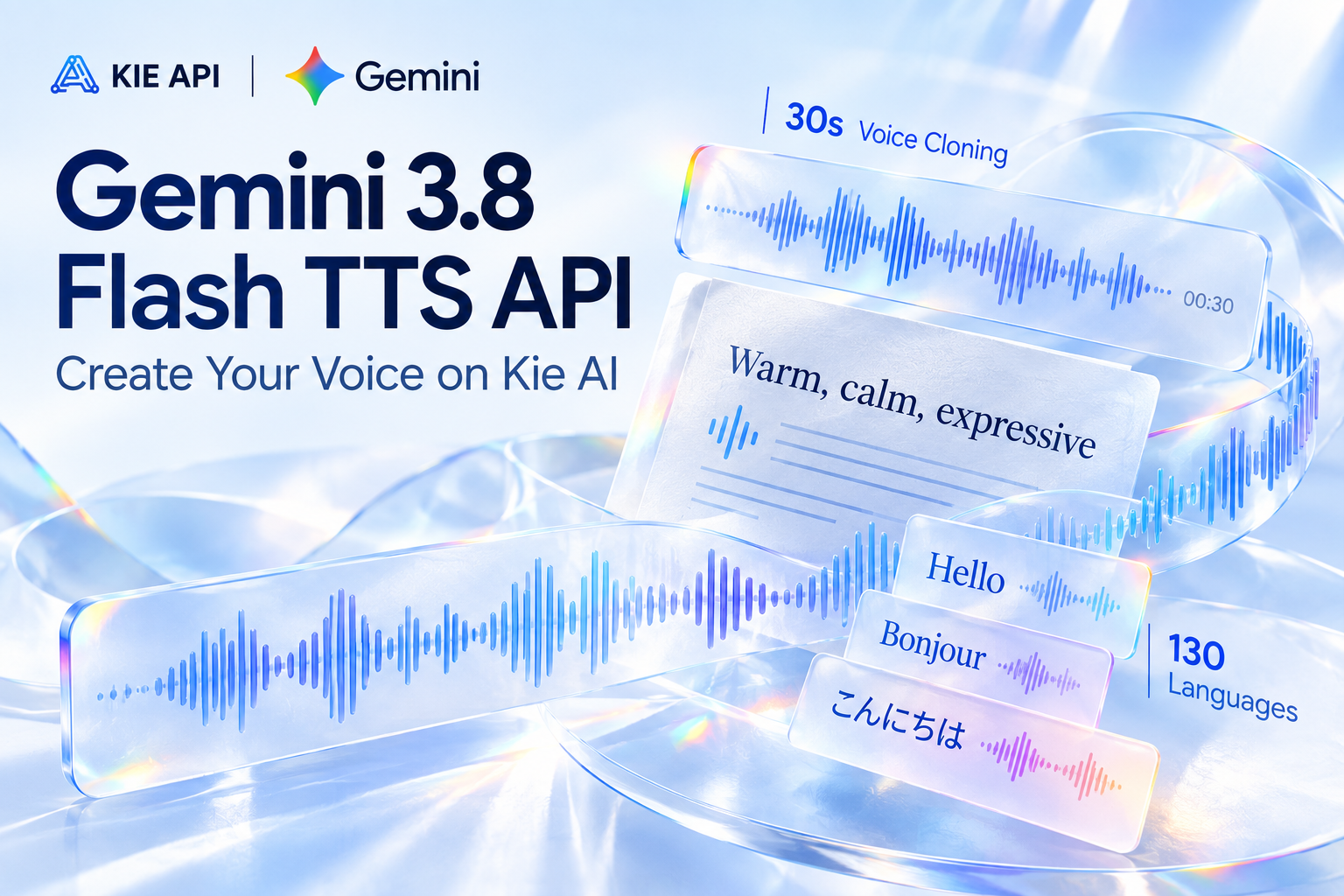
Create and Replicate Voices with Gemini 3.8 Flash TTS API
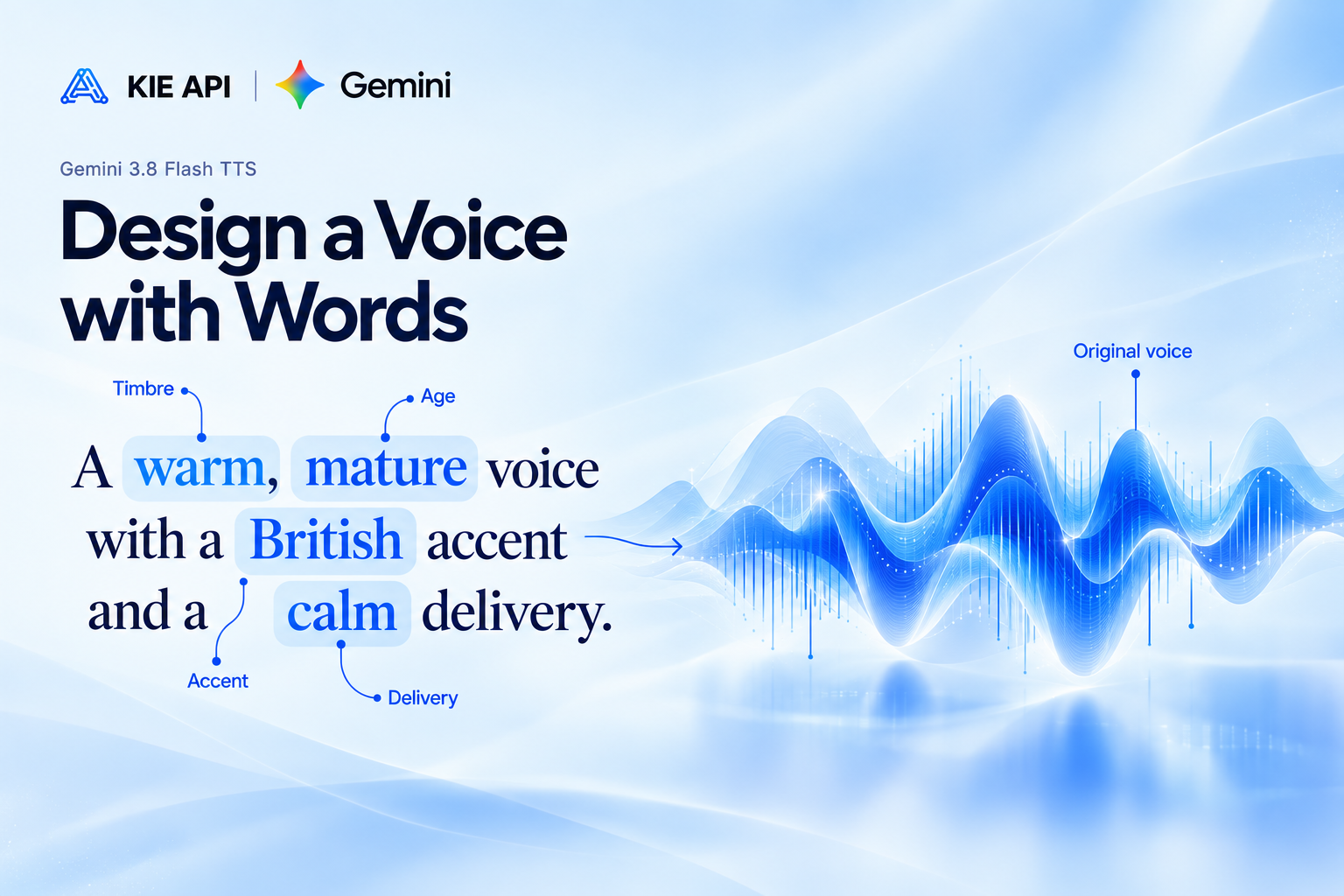
Design Original Voices from Natural Language
Use Gemini 3.8 Flash TTS on ModelFold to shape a voice with plain-language direction. Pick one of 70 preset voices grouped by use case, then describe the tone, emotion, pace and delivery you want in the speaking style field, and reuse the same settings across your text-to-speech workflows through ModelFold.
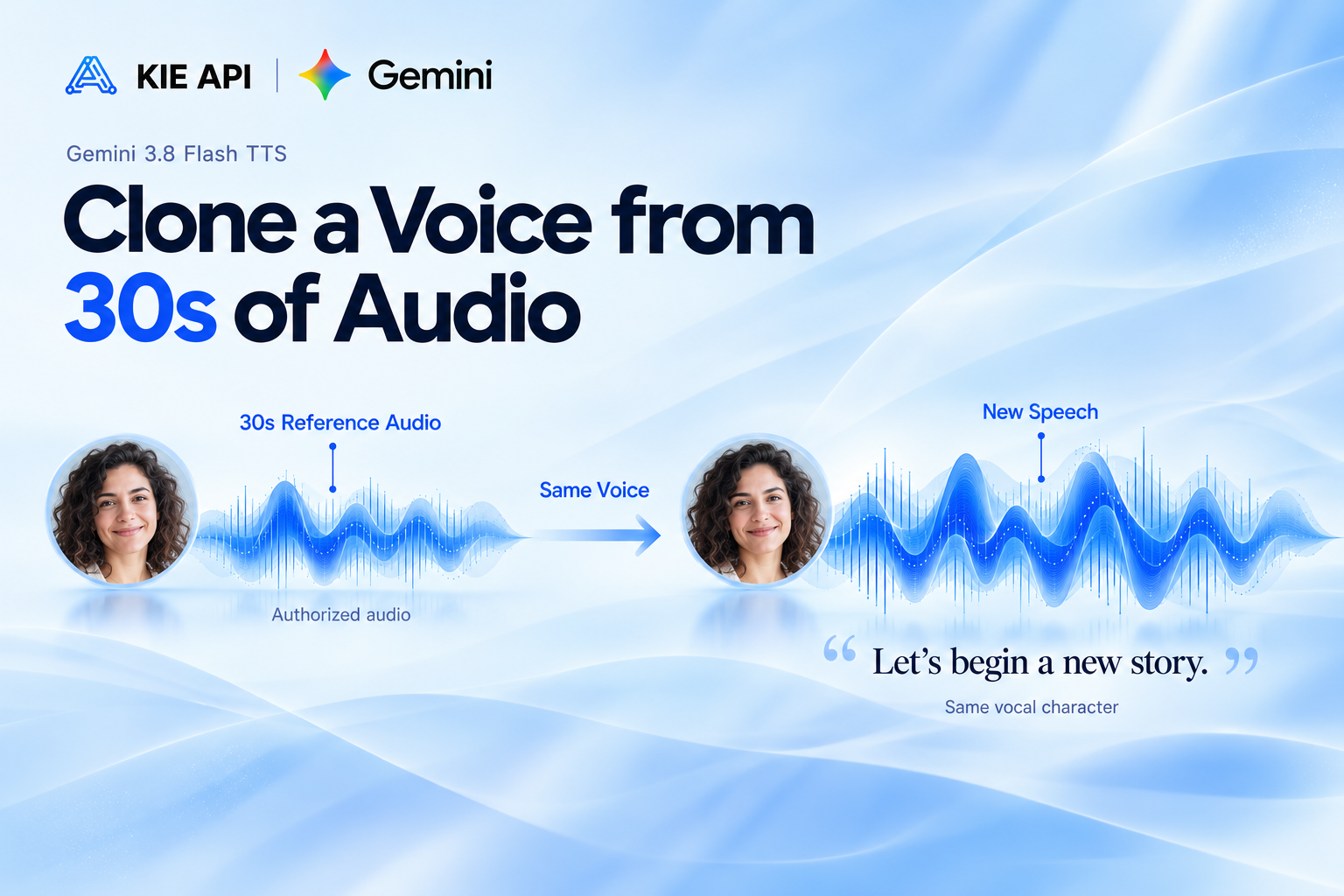
Replicate a Voice from Just 30 Seconds of Audio
Gemini 3.8 Flash TTS can temporarily replicate a voice from a short authorized recording. On ModelFold this is available through the API: send the upstream speakers structure with a replica (a 10–30 second WAV reference recording plus a consent recording of the same adult) instead of a preset voice. The Playground on this page uses the preset voices.
Key Features of Gemini 3.8 Flash TTS API on ModelFold
Generate Studio-Grade Speech with Gemini 3.8 Flash TTS API
Create clear, natural, and expressive audio with the Gemini 3.8 Flash TTS API. The model delivers high acoustic fidelity, natural cadence, and detailed acting nuance while following your voice directions closely. Use the Gemini 3.8 text-to-speech API for professional narration, character dialogue, podcasts, audiobooks, and other applications where voice quality and expressive delivery matter.
Design Custom Voices with Google Gemini 3.8 Flash TTS
Go beyond fixed voice presets with advanced Voice Design. Google Gemini 3.8 Flash TTS API lets you create original voice personas by describing the role, accent, tone, and vocal characteristics you want in natural language. Build distinctive character voices, narrators, or brand voices that better match the identity and creative direction of your application.
Direct Expressive Voice Acting Line by Line
Control how each line sounds instead of using one fixed speaking style. The Gemini TTS API supports turn-level directions for tone, pace, emotion, and delivery, along with natural vocal events such as laughter, sighs, breaths, coughs, and short pauses. This precise control helps developers create more realistic storytelling, dialogue, character voices, and expressive audio experiences.
Keep Voices Consistent Across Long-Form Audio
Generate longer speech without losing the identity of your selected voice. Gemini 3.8 Flash TTS API maintains consistent timbre, volume, voice characteristics, and acoustic tone across extended dialogue and multi-minute narration with minimal voice drift. This long-form stability makes the model well suited to audiobooks, podcasts, educational narration, and other continuous audio experiences.
Create Natural Multi-Speaker Dialogue with Gemini TTS API
Turn scripts into expressive conversations while keeping speakers clear and distinct. With Gemini 3.8 Flash TTS, developers can assign different voices and delivery styles to individual speakers, maintain natural turn-taking, and add vocal reactions throughout a scene. Use the Gemini TTS API to power podcasts, interactive characters, dramatic dialogue, and conversational voice experiences.
Generate Speech Across 130 Languages and Regional Accents
Build multilingual voice experiences with support for 130 languages, automatic language detection, regional accents, and minority dialects. The Google Gemini 3.8 Flash TTS API also supports IPA pronunciation overrides for words that need precise pronunciation. This gives developers more control when creating localized narration, global content, character voices, and speech applications for different markets.
How to Use Gemini 3.8 Flash TTS API on ModelFold
- 1
Step 1: Try Gemini 3.8 Flash TTS Free in the Playground
Open the ModelFold playground to try Gemini 3.8 Flash TTS free online before integrating the API. Enter your text, explore different voices and speaking styles, and generate sample audio directly in your browser. It is a quick way to test how the model sounds and find the right voice for your project.
- 2
Step 2: Customize Your Voice and Speech
Adjust your voice direction based on the audio experience you want to create. Use Gemini 3.8 Flash TTS to define voice characteristics, tone, accent, pace, emotion, and delivery style. You can refine your settings in the playground before using them in a production workflow.
- 3
Step 3: Get Your ModelFold API Key
Create your ModelFold account and get your API credentials when you are ready to integrate. The Gemini 3.8 text-to-speech API lets developers bring expressive speech generation into SaaS products, AI agents, content tools, games, and other applications.
- ✓
Step 4: Integrate Gemini 3.8 Flash TTS API into Your App
Send a POST request to https://ai.modelfold.online/v1/audio/generations with "model": "google/gemini-3-8-flash-tts", the text in prompt (one line per turn, "Speaker 1: …" / "Speaker 2: …", for dialogue) and voice / voice_2 for the two speakers. The response returns the finished audio URL, so you can move from playground testing to production with the same settings.
Gemini 3.8 Flash TTS vs Gemini 3.8 Flash-Lite TTS
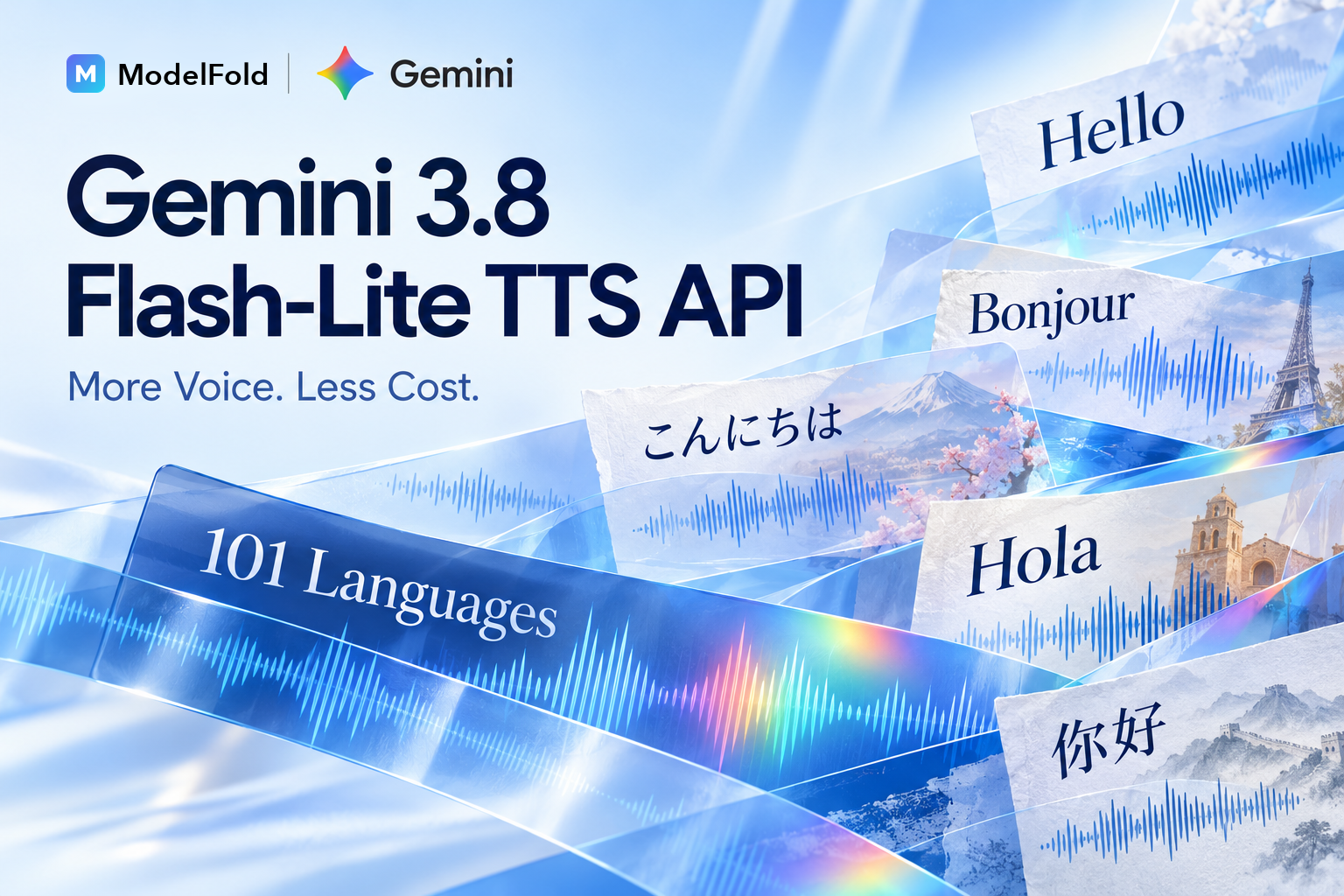
Gemini 3.8 Flash TTS is designed for applications where voice quality, expressive performance, and creative control matter most, while Gemini 3.8 Flash-Lite TTS focuses more on speed, throughput, and cost-efficient speech generation.
| Gemini 3.8 Flash TTS | Gemini 3.8 Flash-Lite TTS | |
|---|---|---|
| Primary Focus | Voice fidelity & creative control | Speed & cost efficiency |
| Supported Languages | 130 | 101 |
| Best For | Creative & professional audio | High-volume speech generation |
| Long-Form Narration | Supported | Supported |
| Voice Replication | Supported | Supported |
| Typical Workloads | Audiobooks, dialogue, characters | Voice agents, read-aloud, bulk audio |
What Can You Build with Gemini 3.8 Flash TTS API
Create AI Audiobooks with Gemini 3.8 Text-to-Speech API
Turn books, stories, and long scripts into expressive spoken audio with consistent voice quality. The Gemini 3.8 Flash TTS API maintains stable voice identity, natural pacing, and acting nuance across extended narration, making it well suited to AI audiobooks, serialized stories, educational audio, and other long-form text-to-speech applications.
Generate AI Podcasts and Multi-Speaker Audio
Build podcast-style conversations with distinct speakers, natural turn-taking, and individual delivery styles. Google Gemini 3.8 Flash TTS API can transform written scripts into engaging multi-speaker audio for AI podcasts, interviews, dialogue shows, and automated audio content without relying on one fixed narrator voice.
Build Character Voices for Games and Interactive Media
Create distinctive voices for game characters, virtual worlds, interactive stories, and entertainment apps. With custom Voice Design and expressive performance control, Gemini 3.8 Flash TTS lets developers define character personalities, accents, vocal styles, and emotional delivery to make digital characters feel more individual and engaging.
Power Expressive AI Voice Agents with Gemini TTS API
Give conversational AI more natural and responsive speech. The Gemini TTS API supports expressive delivery, conversational pacing, vocal reactions, and distinct voice identities for customer experiences, virtual assistants, interactive agents, and other voice-enabled SaaS products that need more than basic text-to-speech output.
Create Multilingual Dubbing and Localized Voice Content
Use the Gemini 3.8 Flash TTS API to generate localized speech across 130 supported languages, including regional accents and dialects. Developers can build multilingual dubbing, video localization, global learning content, and international media workflows while adapting pronunciation and vocal delivery for different audiences.
Design Brand Voices and Professional Audio Experiences
Create a recognizable voice identity for products, campaigns, apps, and digital experiences with Google Gemini 3.8 Flash TTS. Design a custom voice that matches your brand personality and reuse it across product narration, branded content, marketing audio, guided experiences, and other professional voice applications.
Why Choose ModelFold for Gemini 3.8 Flash TTS API
Access Gemini 3.8 Flash TTS and Flash-Lite TTS APIs on ModelFold
Use both Gemini 3.8 Flash TTS and Gemini 3.8 Flash-Lite TTS through ModelFold. Choose Flash TTS for high-fidelity, expressive voice generation or Flash-Lite TTS for high-volume, cost-efficient workloads—all within the same platform.
Try Gemini 3.8 Flash TTS Free Online
Test Gemini 3.8 Flash TTS free in the ModelFold playground before integrating the API. Enter your text, explore voice settings, and generate sample audio online to see how the model fits your application before moving into development.
Access Gemini TTS API and More AI Voice Models
Go beyond the Google Gemini 3.8 Flash TTS API and access other text-to-speech models through ModelFold. Developers can explore different TTS options for voice generation, narration, conversational AI, and other audio workflows without relying on a single model.
Get Affordable Gemini 3.8 Flash TTS API Pricing
Build AI voice features with affordable, usage-based access to the Gemini 3.8 Flash TTS API. ModelFold offers flexible pricing for developers and SaaS teams, making it easier to control text-to-speech costs as usage grows from testing to production.
Integrate and Manage Multiple TTS APIs in One Place
Connect the Gemini TTS API and other AI models through one developer-friendly platform. ModelFold simplifies API integration, usage management, and multi-model workflows, so you can spend less time managing separate providers and more time building your product.
Get Developer Support for Gemini 3.8 Text-to-Speech API
Get help throughout your Gemini 3.8 text-to-speech API workflow, from initial testing to production integration. ModelFold customer support can assist with API usage, integration questions, account issues, and other problems that may come up while building your application.
Frequently Asked Questions
What is the Gemini 3.8 Flash TTS API?⌄
Gemini 3.8 Flash TTS API provides access to Google’s flagship creative text-to-speech model for generating high-fidelity, expressive speech from text. It supports custom Voice Design, Voice Replication, multi-speaker dialogue, regional accents, long-form audio, and 130 languages.
How can I use Gemini 3.8 Flash TTS API on ModelFold?⌄
You can access Gemini 3.8 Flash TTS through ModelFold to add AI speech generation to applications, SaaS products, content tools, voice agents, and other audio workflows. Test the model online first, then use the ModelFold API for integration.
Can Gemini 3.8 Flash TTS create custom AI voices?⌄
Yes, through voice direction. Choose one of 70 preset voices and describe the tone, emotion and pace you want for each line in the speaking style field; the model follows those directions instead of reading in one fixed style.
How many languages does Gemini 3.8 Flash TTS support?⌄
Gemini 3.8 Flash TTS supports 130 languages and automatically detects the input language. It also supports regional accents, minority dialects, and IPA-based pronunciation overrides for more precise speech generation.
Does Gemini 3.8 Flash TTS API support voice cloning?⌄
Yes. Gemini 3.8 Flash TTS supports Voice Replication from a short authorized recording. On ModelFold it is available through the API by sending the upstream speakers structure with a replica (a 10–30 second WAV reference recording plus a consent recording); the clone is used for that task only and is not saved as a reusable voice.
What is the difference between Gemini 3.8 Flash TTS and Flash-Lite TTS?⌄
Gemini 3.8 Flash TTS focuses on maximum voice fidelity, acting nuance, and dialect coverage, while Gemini 3.8 Flash-Lite TTS focuses on high throughput, low latency, and cost efficiency. Flash supports 130 languages, while Flash-Lite supports 101.
Does Gemini 3.8 Flash TTS support multiple speakers?⌄
Yes. The Gemini TTS API supports multi-speaker speech generation with separate speaker identities and turn-level instructions. This makes it suitable for dialogue, podcasts, storytelling, character conversations, and other multi-speaker audio applications.
Can I try Gemini 3.8 Flash TTS free on ModelFold?⌄
Yes. You can try Gemini 3.8 Flash TTS free on ModelFold with available free credits. Test text-to-speech generation and explore the model before integrating the API into your application.
How much does Gemini 3.8 Flash TTS API cost on ModelFold?⌄
Gemini 3.8 Flash TTS is billed by length on ModelFold: 4 credits per 1,000 characters (partial thousands round up), with a minimum of 8 credits per request. Chinese, Japanese and Korean characters count as 3 each when estimating, and the final charge is settled to the actual upstream usage after the audio is generated.
| Gemini 3 8 Flash Tts | 4 credits / 1,000 chars · min 8 |
The estimate is held when the task starts; once it finishes, the charge is settled to the actual upstream usage (refund or top-up), never below the minimum.
curl https://ai.modelfold.online/v1/audio/generations \
  -H "Authorization: Bearer $MODELFOLD_API_KEY" \
  -H "Content-Type: application/json" \
  -d '{"model":"google/gemini-3-8-flash-tts","prompt":"Speaker 1: Hello!\nSpeaker 2: Hi there.","voice":"Fola"}'