 ModelFold
google/gemini-3-8-flash-lite-tts
Google’s efficient text-to-speech model built for low-latency, high-throughput voice generation. Gemini 3.8 Flash-Lite TTS supports natural speech across 101 languages, voice replication, multi-speaker audio, and long-form generation, making it ideal for voice agents and high-volume TTS workflows.
Pricing: Billed by length: 3 credits per 1,000 characters (partial thousands round up), minimum 8 credits. Chinese, Japanese and Korean characters count as 3 each when estimating.
Explore more Text to Speech models
More AI models from Google
Latest and popular AI models
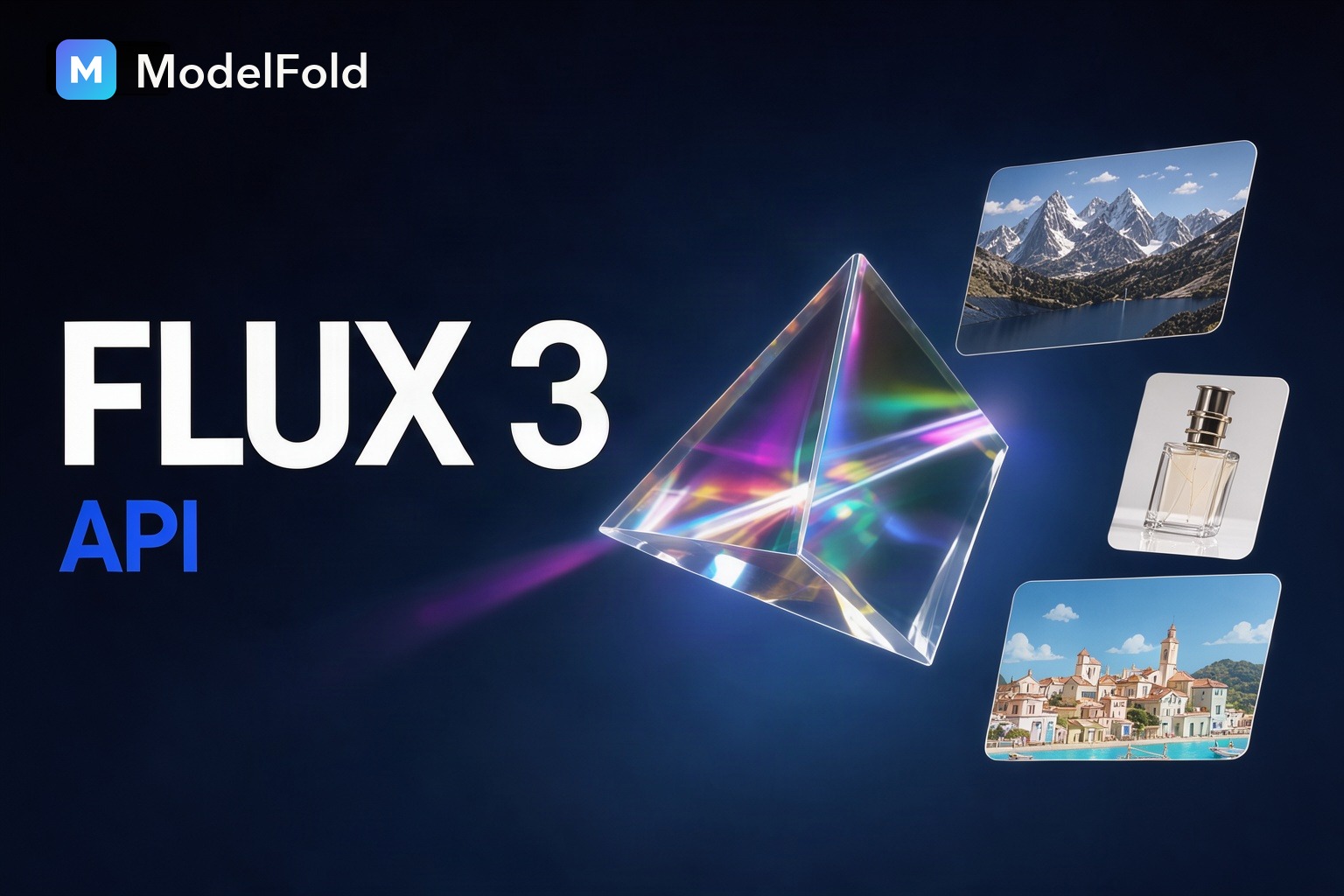
Gemini 3.8 Flash-Lite TTS API – Try Google Gemini 3.8 TTS More Efficiently
Build with Google Gemini 3.8 Flash-Lite TTS on ModelFold for low-latency, high-throughput, and cost-efficient speech generation across 101 languages. Ideal for AI voice agents, read-aloud features, and high-volume TTS workflows.
Key Features of Gemini 3.8 Flash-Lite TTS API on ModelFold
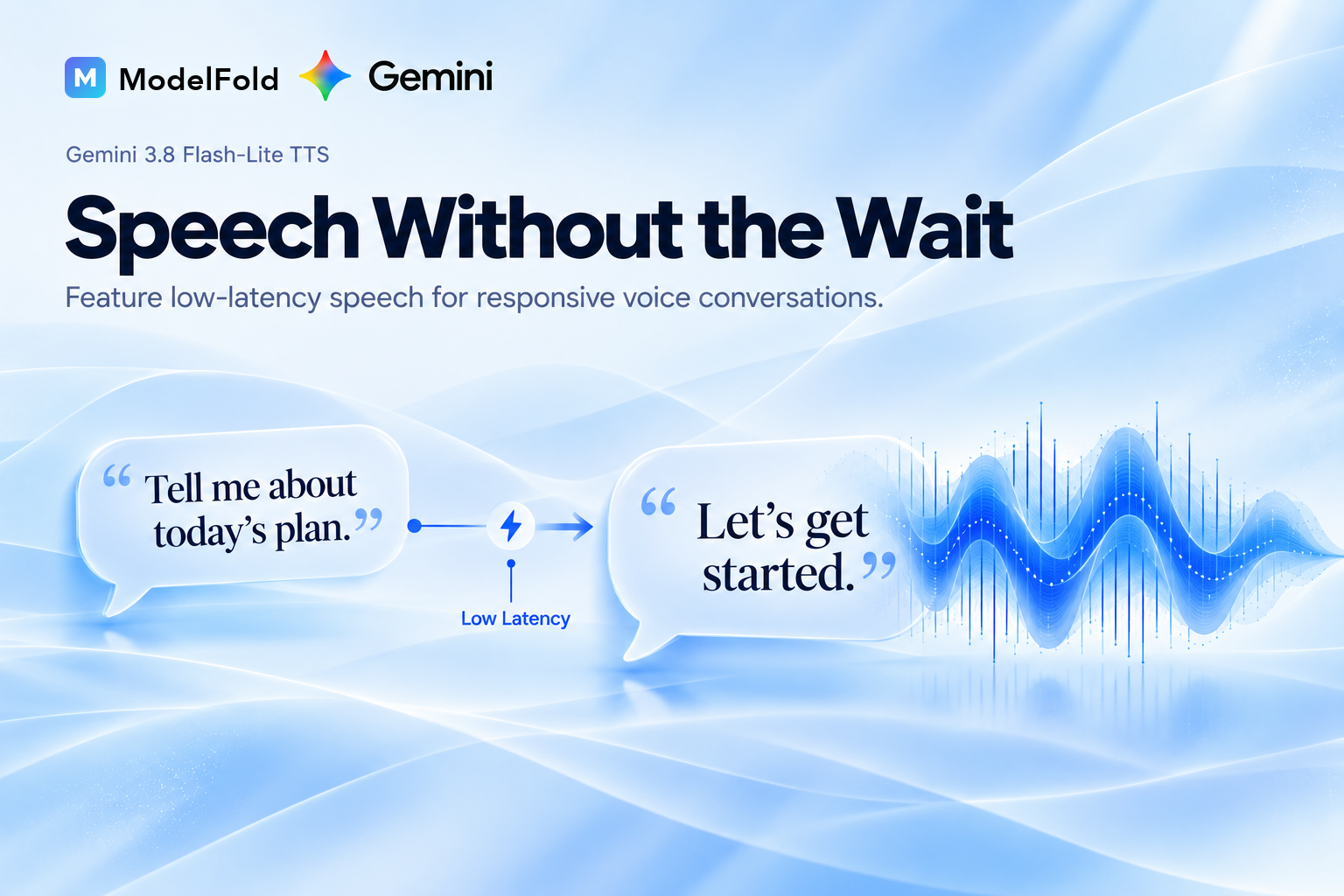
Generate Speech with Low-Latency Gemini 3.8 Flash-Lite TTS
Build responsive voice experiences with Google Gemini 3.8 Flash-Lite TTS. Its low-latency design makes it well suited for AI voice agents, conversational applications, read-aloud tools, and other products where users expect speech without long generation delays.
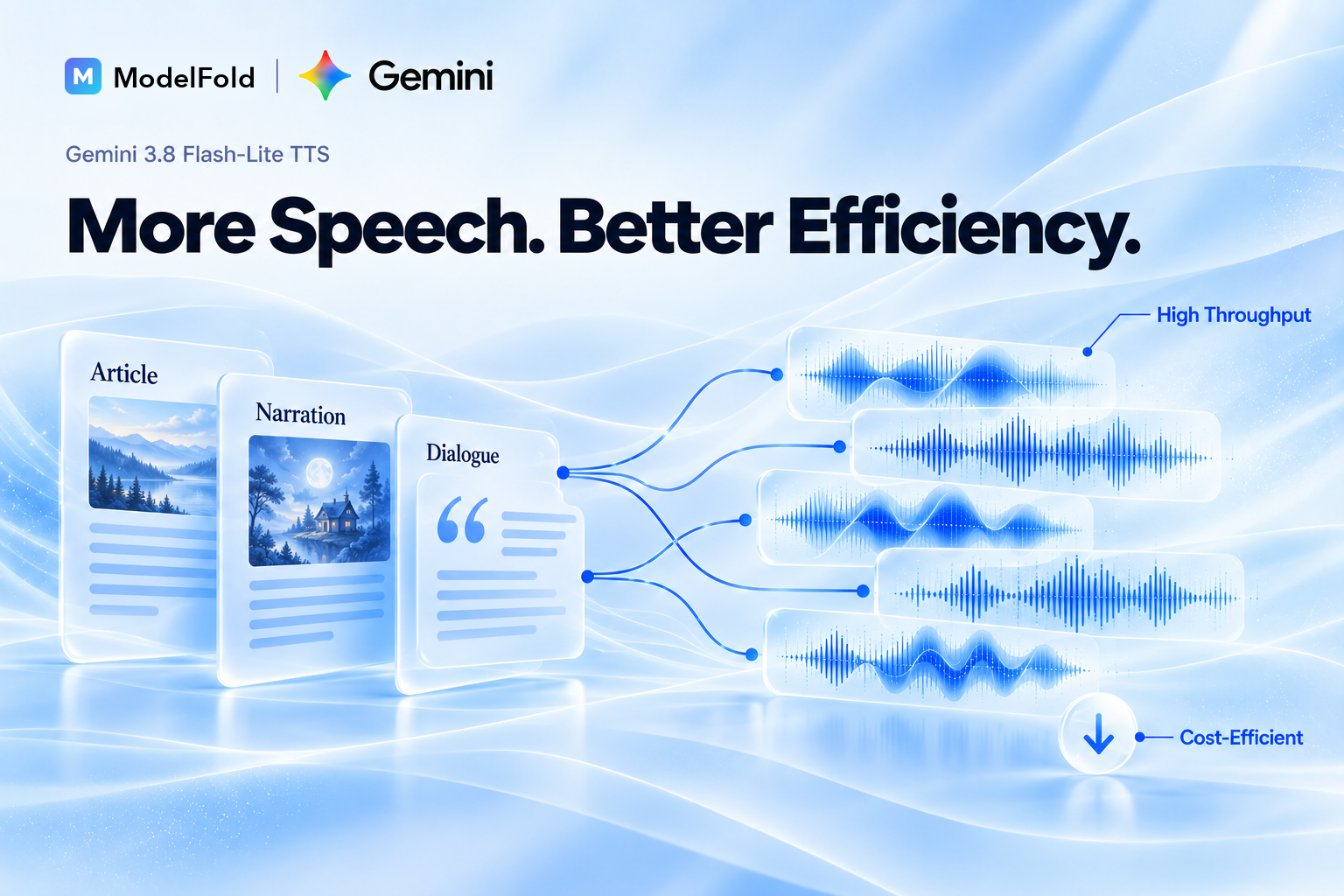
Scale High-Volume TTS with Better Cost Efficiency
Handle frequent speech-generation requests with a model designed for high throughput and cost-efficient inference. Gemini 3.8 Flash Lite TTS API is a practical choice for SaaS platforms, content systems, and production workflows that need to generate large amounts of audio at scale.
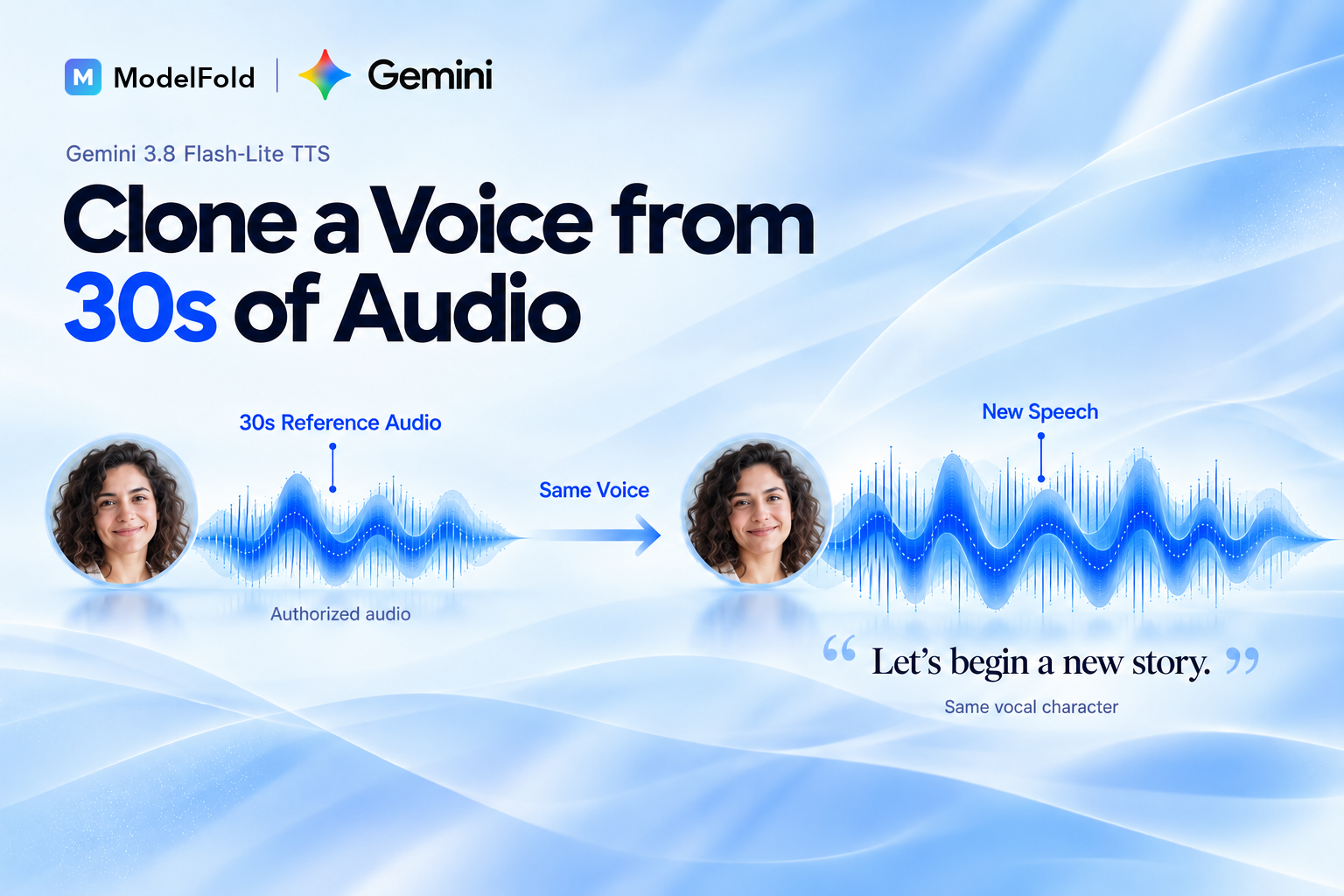
Clone Voices from 30s Audio with Google Gemini 3.8 Flash-Lite TTS
Use Voice Replication to recreate a voice from a short authorized recording. On ModelFold it is available through the API: send the upstream speakers structure with a replica (a 10–30 second WAV reference recording plus a consent recording) instead of a preset voice. The Playground on this page uses the 70 preset voices.
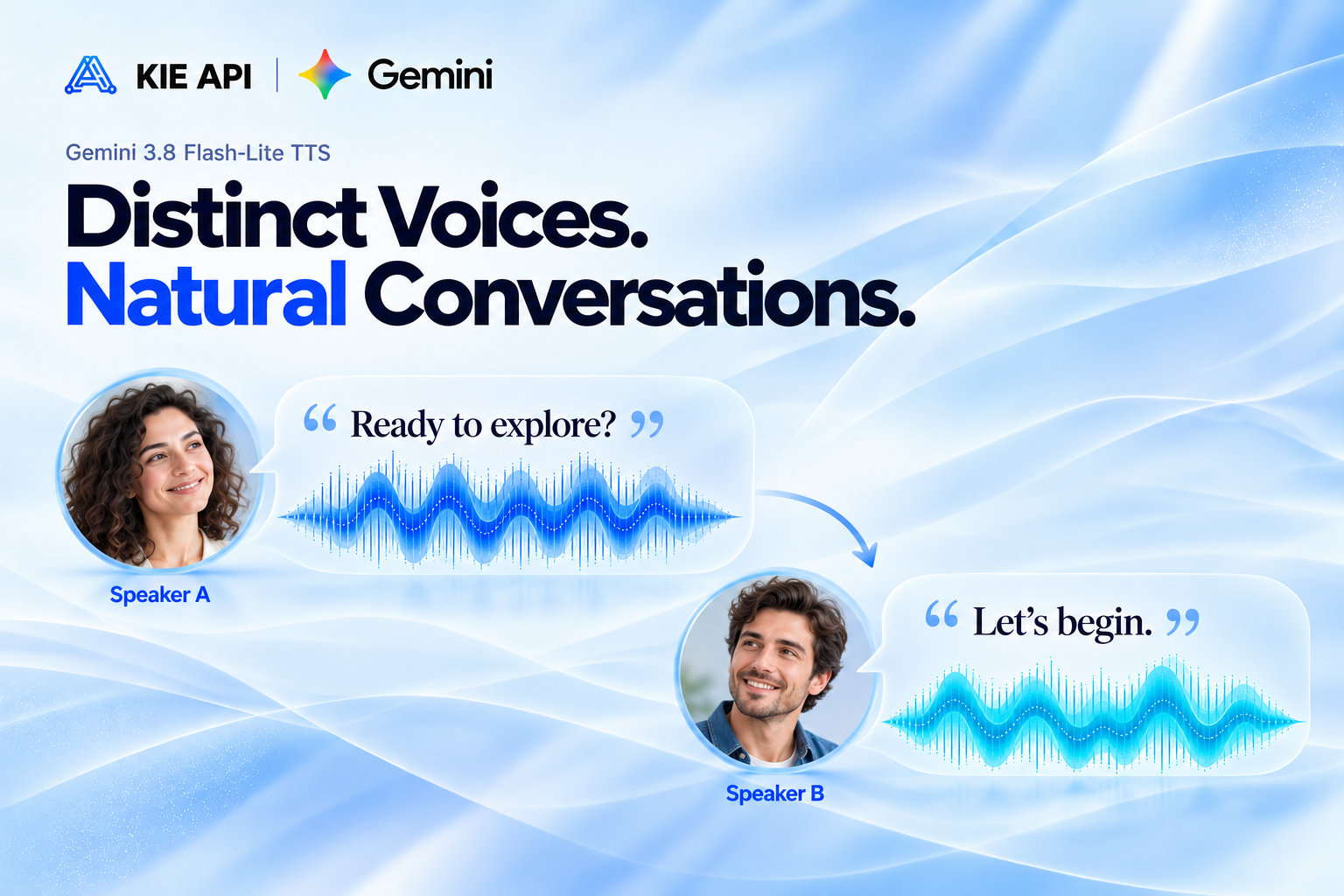
Create Natural Multi-Speaker Conversations
Generate speech with multiple distinct speakers in the same conversation. Gemini TTS API supports controlled speaker turns and individual delivery styles, making it useful for conversational AI, dialogue, educational content, interviews, and automated audio experiences.
Generate Long-Form Audio with Gemini 3.8 Text-to-Speech
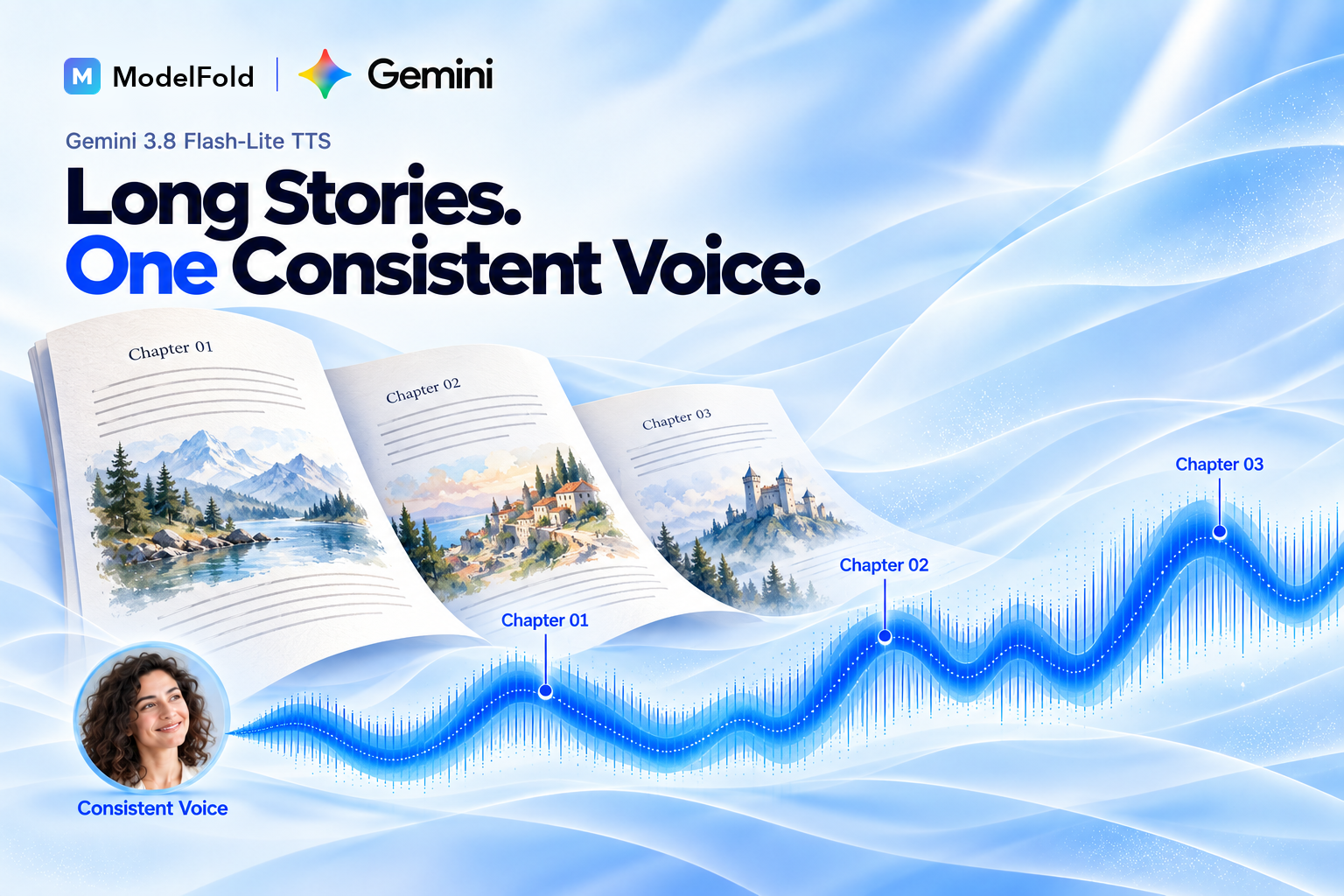
Create longer speech while maintaining consistent voice characteristics throughout the audio. Gemini 3.8 text-to-speech works well for articles, educational content, narration, read-aloud experiences, and other long-form voice workflows.
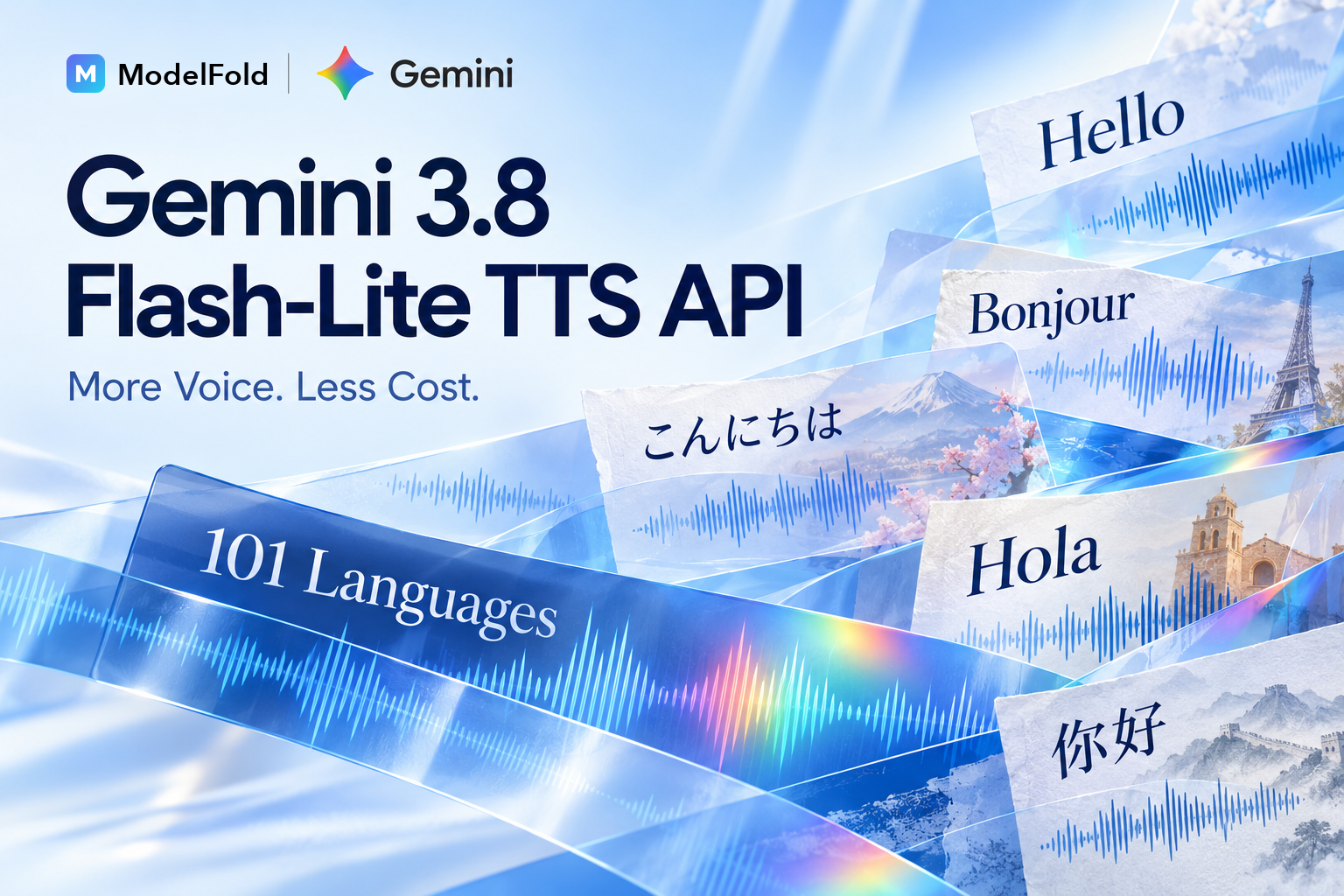
Generate Speech in 101 Languages with Gemini 3.8 Flash-Lite TTS
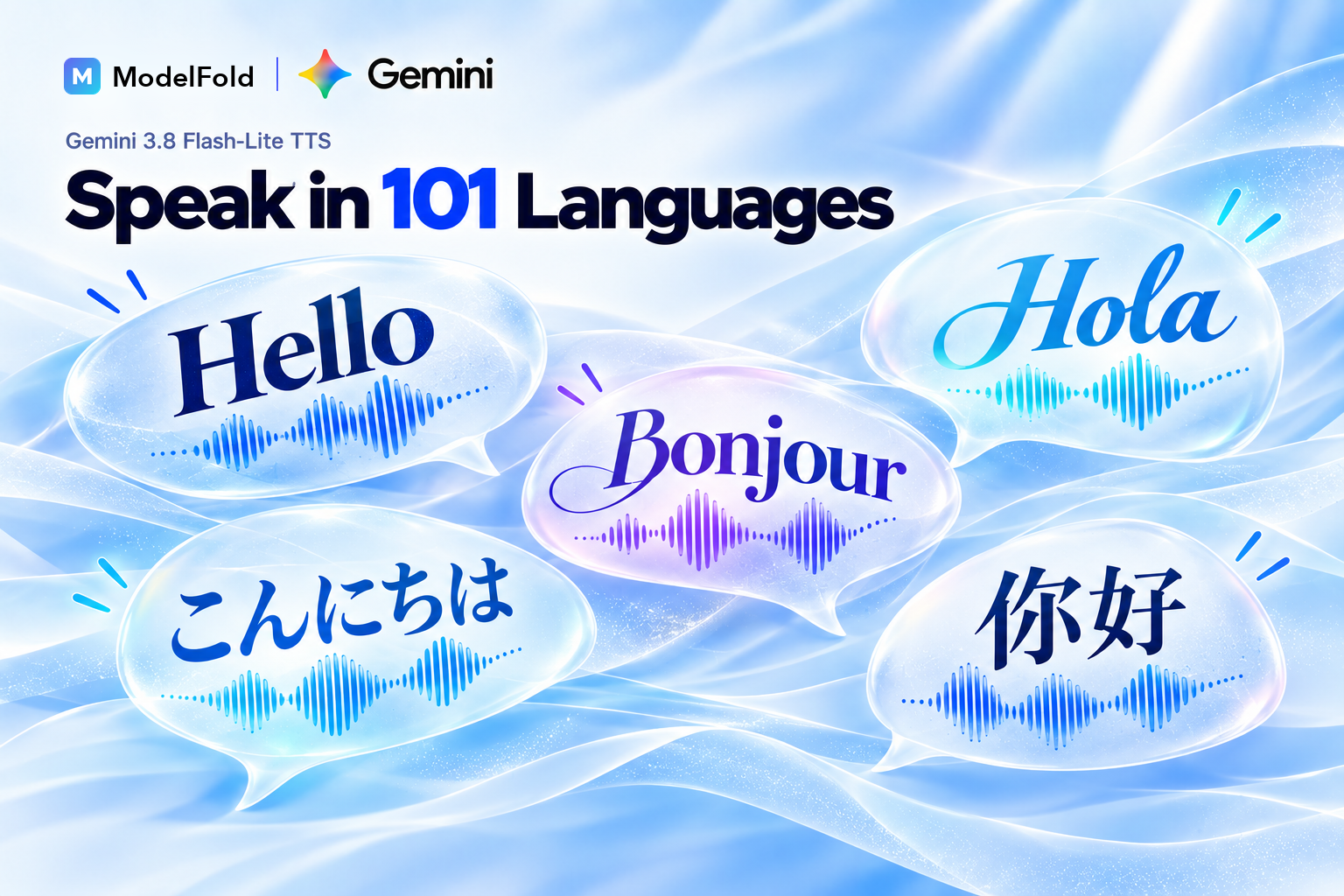
Build multilingual voice applications with Gemini 3.8 Flash-Lite TTS and generate speech across 101 languages. Use it for localized SaaS products, multilingual voice agents, accessibility tools, and global audio experiences.
How to Use Gemini 3.8 Flash-Lite TTS API on ModelFold
- 1
Step 1: Try Gemini 3.8 Flash-Lite TTS Free on ModelFold
Test Gemini 3.8 Flash-Lite TTS free with available credits on ModelFold. Enter your text and generate sample speech online to explore the model before integrating the API into your application.
- 2
Step 2: Generate Speech with Gemini 3.8 Flash-Lite TTS
Enter the text you want to convert into audio and configure the available voice and speech settings. Preview the generated output and adjust your input to match your application or voice workflow.
- 3
Step 3: Get Your ModelFold Key for Gemini TTS API
Create a ModelFold account and get your API credentials to access the Gemini TTS API. Use the same developer platform to manage your Gemini 3.8 Flash-Lite TTS integration and other supported AI models.
- ✓
Step 4: Integrate Gemini 3.8 Flash Lite TTS API into Your App
Send a POST request to https://ai.modelfold.online/v1/audio/generations with "model": "google/gemini-3-8-flash-lite-tts", your text in prompt (one line per turn, "Speaker 1: …" / "Speaker 2: …", for dialogue) and voice / voice_2. The response returns the finished audio URL to use directly in your application.
Gemini 3.8 Flash-Lite TTS vs Gemini 3.8 Flash TTS
Gemini 3.8 Flash-Lite TTS vs Flash TTS: What’s the Difference?
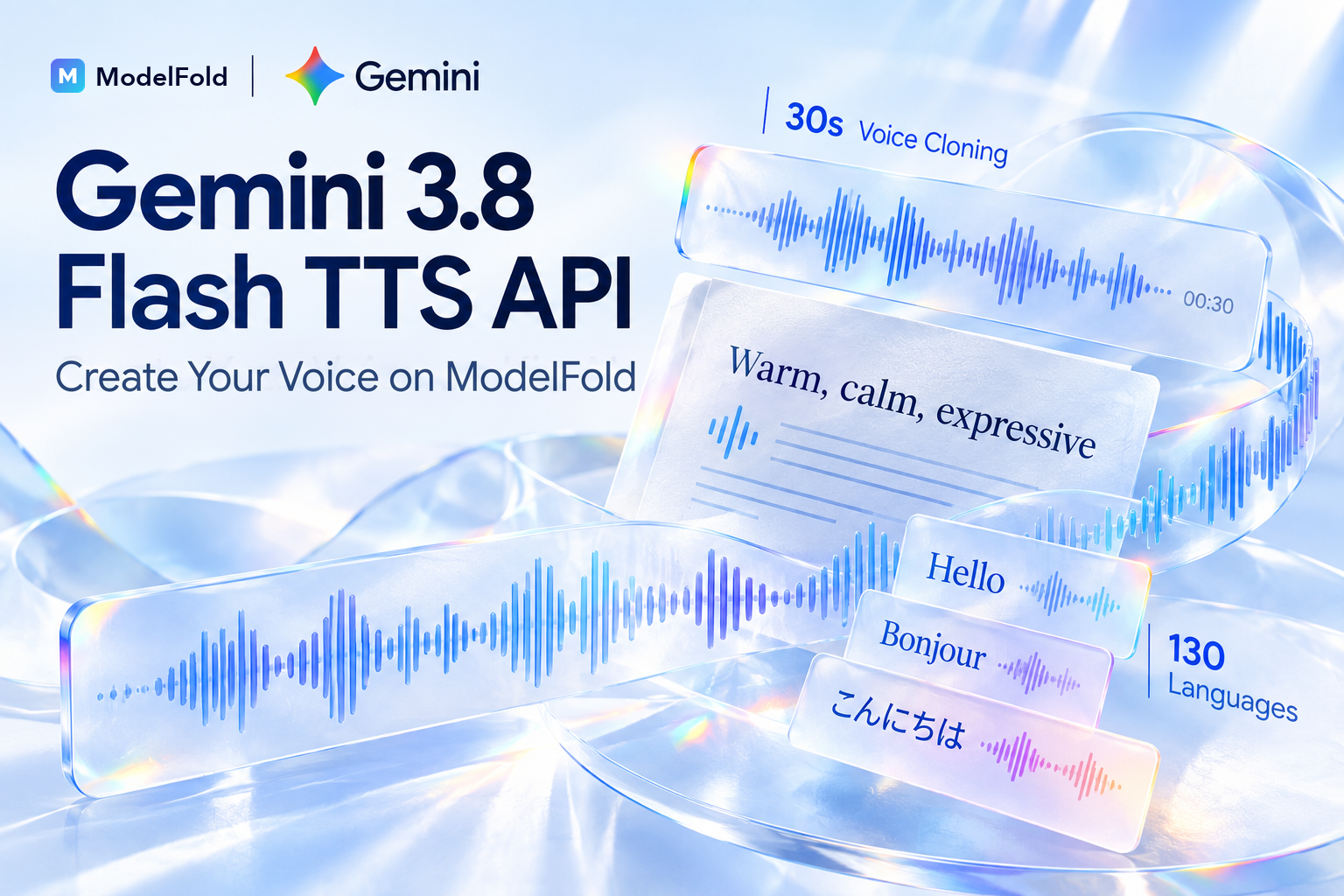
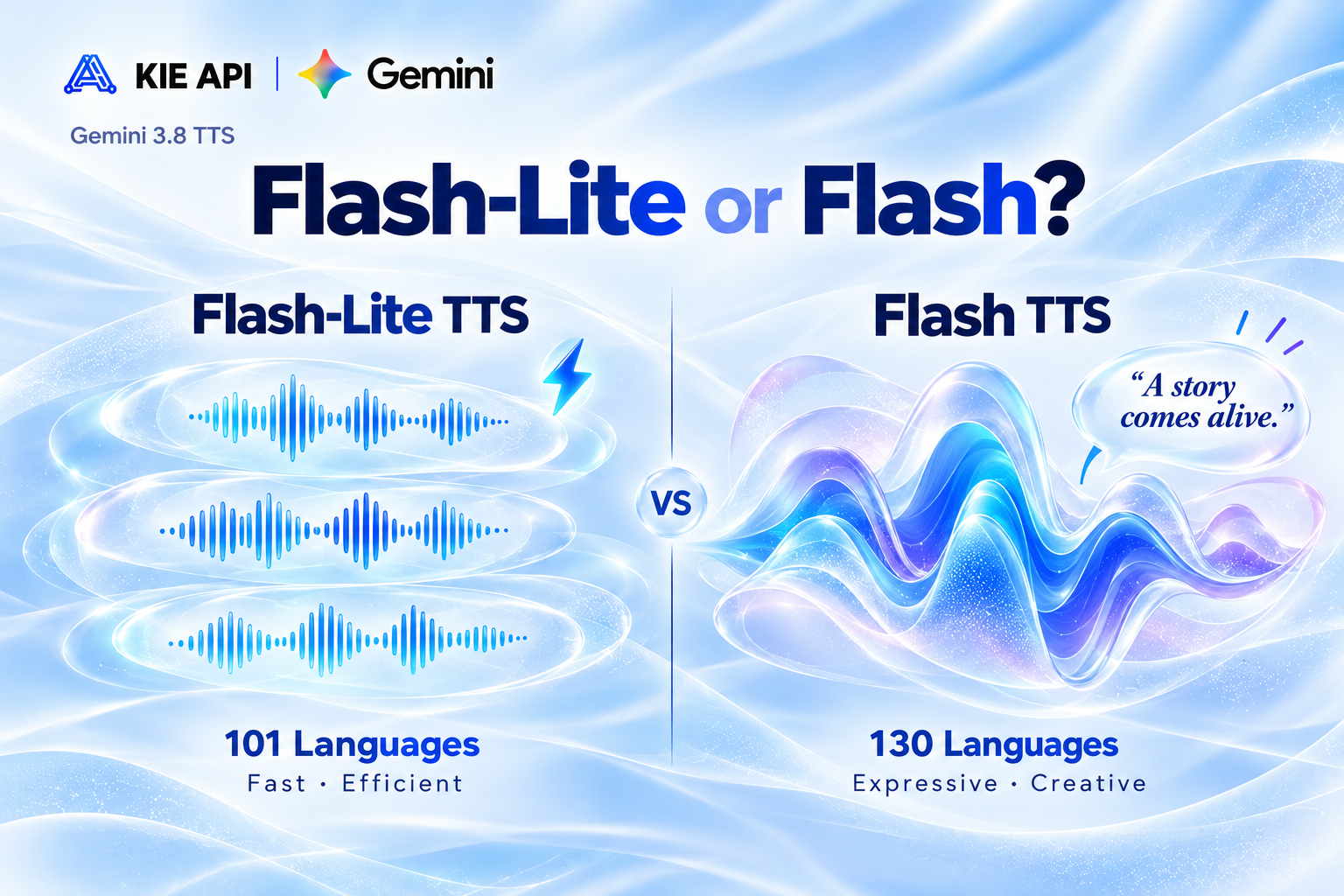
Both models support advanced Gemini 3.8 text-to-speech, but they are optimized for different workloads. Gemini 3.8 Flash-Lite TTS supports 101 languages and prioritizes low latency, high throughput, and cost efficiency, making it well suited for voice agents, read-aloud features, and high-volume speech generation. Gemini 3.8 Flash TTS supports 130 languages and focuses more on voice fidelity, expressive performance, regional accents, and creative control for audiobooks, dialogue, characters, and professional audio.
Access Both Gemini 3.8 TTS APIs on ModelFold
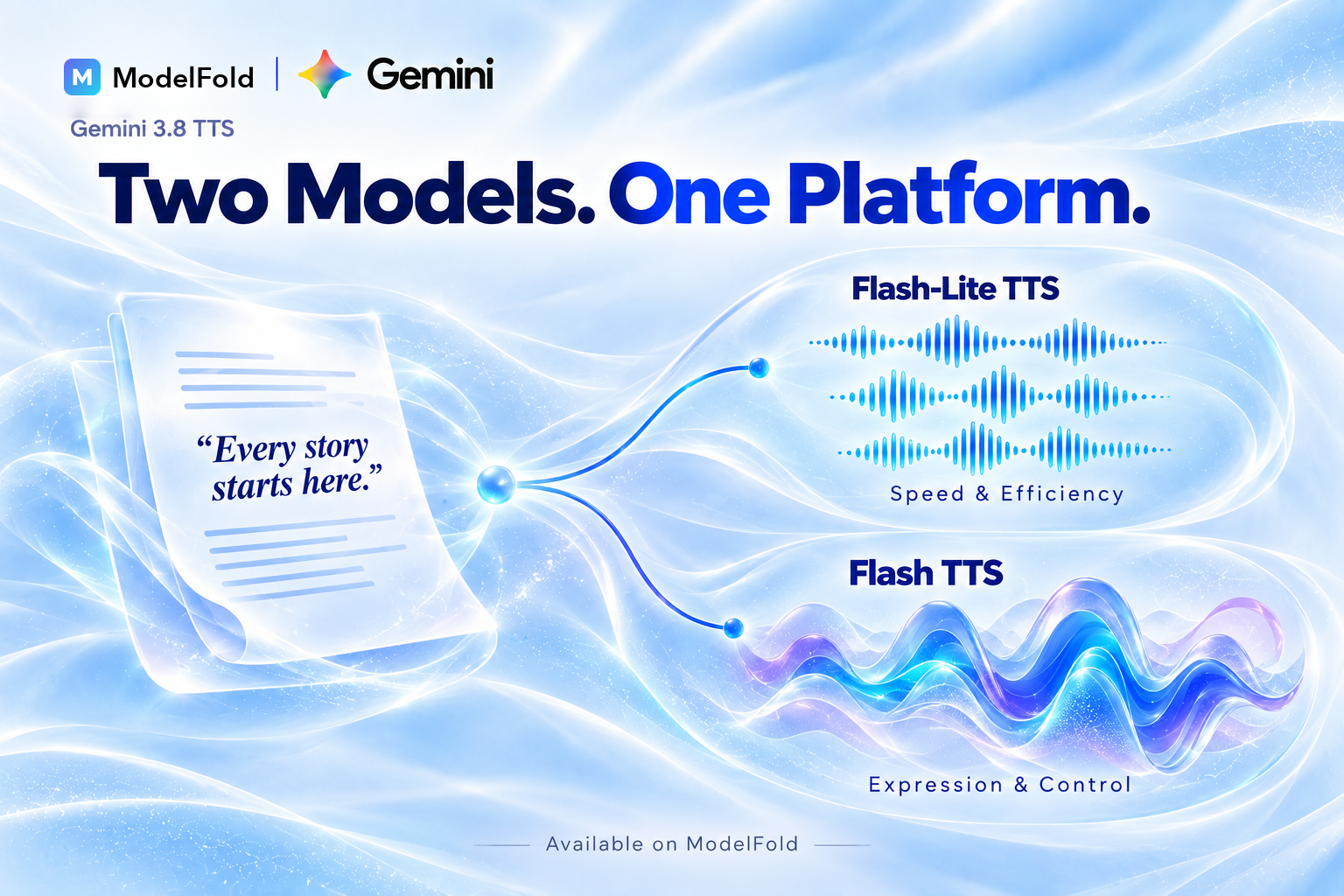
ModelFold provides access to both Gemini 3.8 Flash-Lite TTS API and Gemini 3.8 Flash TTS API in one platform. Choose Flash-Lite for fast, scalable speech workloads or Flash for applications that need greater voice fidelity and creative control, while managing both models through the same ModelFold workflow.
Build with Gemini 3.8 Flash-Lite TTS API on ModelFold
Build AI Voice Agents with Gemini 3.8 Flash-Lite TTS
Use low-latency Gemini 3.8 text-to-speech for AI voice agents, customer support assistants, virtual assistants, and conversational applications that need fast and natural speech responses.
Add Text-to-Speech to Apps with Gemini TTS API
Turn articles, messages, documents, educational material, and other text into natural speech. Use the Gemini TTS API to add read-aloud, accessibility, and voice playback features to websites and applications.
Generate High-Volume Audio with Gemini 3.8 Flash Lite TTS API
Convert large volumes of text into speech for content platforms, automated publishing workflows, learning products, and other applications. Gemini 3.8 Flash Lite TTS API is designed for workloads where throughput and cost efficiency matter.
Create Multilingual Speech with Google Gemini 3.8 Flash-Lite TTS
Generate localized speech across 101 languages with Google Gemini 3.8 Flash-Lite TTS. Build multilingual SaaS products, educational applications, media platforms, and voice experiences for global audiences.
Build Voice-Enabled SaaS with Gemini 3.8 Text-to-Speech
Integrate Gemini 3.8 text-to-speech into SaaS products that need scalable voice generation, from content and productivity tools to accessibility features and automated audio applications.
Build Voice Cloning Workflows with Gemini 3.8 Flash-Lite TTS
Use an authorized reference recording to replicate a voice with Gemini 3.8 Flash-Lite TTS through the API. The clone is created for each task rather than saved as a reusable voice, so send the same reference recordings with every request that needs that voice.
Why Use ModelFold for Gemini 3.8 Flash-Lite TTS API
Scale High-Volume TTS with Gemini 3.8 Flash-Lite on ModelFold
Use Gemini 3.8 Flash-Lite TTS API on ModelFold for high-volume speech workloads where speed and efficiency matter. Its high-throughput, low-latency design makes it well suited for voice agents, bulk audio generation, read-aloud features, and SaaS products that need to generate speech at scale.
Access Both Gemini 3.8 Flash and Flash-Lite TTS APIs
Use both Gemini 3.8 TTS models through ModelFold. Choose Gemini 3.8 Flash TTS when voice fidelity and creative control matter most, or Gemini 3.8 Flash-Lite TTS for fast, high-volume, and cost-efficient speech generation.
Try Gemini 3.8 Flash-Lite TTS Free on ModelFold
Test Gemini 3.8 Flash-Lite TTS free with available credits before integrating the API. Generate sample speech, explore the model, and evaluate its output directly on ModelFold before moving your application into development.
Get Affordable Gemini 3.8 Flash-Lite TTS API Pricing
Build and scale voice applications with affordable, usage-based access to Gemini 3.8 Flash-Lite TTS API. ModelFold provides flexible API pricing for developers and SaaS teams, helping you manage text-to-speech costs as usage grows.
Integrate and Manage TTS APIs in One Place
Connect Gemini TTS API and other AI models through one developer-friendly platform. ModelFold simplifies API access and multi-model management, reducing the need to maintain separate integrations across different providers.
Get Developer Support for Gemini 3.8 Text-to-Speech API
Get support throughout your Gemini 3.8 text-to-speech API workflow, from initial testing to production integration. ModelFold can help with API usage, integration questions, account issues, and other problems that arise while building your application.
Frequently Asked Questions
What is Gemini 3.8 Flash-Lite TTS?⌄
Gemini 3.8 Flash-Lite TTS is Google’s fast, cost-efficient text-to-speech model designed for high-throughput production. It generates natural speech while prioritizing low latency and scalability for voice agents, read-aloud features, bulk audio, and everyday TTS applications.
What is Gemini 3.8 Flash-Lite TTS API best for?⌄
The Gemini 3.8 Flash-Lite TTS API is best suited for applications that need fast and scalable speech generation. Common use cases include AI voice agents, read-aloud tools, high-volume audio production, SaaS voice features, and automated text-to-speech workflows.
Does Gemini 3.8 Flash-Lite TTS API support voice cloning?⌄
Yes. Gemini 3.8 Flash-Lite TTS supports Voice Replication from authorized reference audio. On ModelFold it is available through the API by sending the upstream speakers structure with a replica; the clone is used for that task only.
How many languages does Gemini 3.8 Flash-Lite TTS support?⌄
Gemini 3.8 Flash-Lite TTS supports 101 languages and automatically detects the input language. This makes it suitable for multilingual voice agents, localized applications, read-aloud features, and global text-to-speech products.
What is the difference between Gemini 3.8 Flash-Lite TTS and Flash TTS?⌄
Gemini 3.8 Flash-Lite TTS prioritizes high throughput, low latency, and cost efficiency, while Gemini 3.8 Flash TTS focuses more on maximum voice fidelity, acting nuance, and dialect coverage. Flash-Lite supports 101 languages, while Flash supports 130.
Can I try Gemini 3.8 Flash-Lite TTS free on ModelFold?⌄
Yes. You can try Gemini 3.8 Flash-Lite TTS free on ModelFold with available credits. Generate sample speech online to evaluate the model before integrating the API into your application.
How do I use Gemini 3.8 Flash-Lite TTS API on ModelFold?⌄
Start by testing Gemini 3.8 Flash-Lite TTS on ModelFold, then get your ModelFold API credentials and connect the model to your application. You can use the API for SaaS products, voice agents, read-aloud tools, and automated speech-generation workflows.
| Gemini 3 8 Flash Lite Tts | 3 credits / 1,000 chars · min 8 |
The estimate is held when the task starts; once it finishes, the charge is settled to the actual upstream usage (refund or top-up), never below the minimum.
curl https://ai.modelfold.online/v1/audio/generations \
  -H "Authorization: Bearer $MODELFOLD_API_KEY" \
  -H "Content-Type: application/json" \
  -d '{"model":"google/gemini-3-8-flash-lite-tts","prompt":"Speaker 1: Hello!\nSpeaker 2: Hi there.","voice":"Fola"}'