 ModelFold
kling-3.0-omni/text-to-video
Kling O3 is Kling AI’s advanced video generation model, powered by Kling VIDEO 3.0 Omni capabilities. It supports multimodal references, native audio, consistent characters, multi-shot storytelling, and video generation up to 15 seconds.
Pricing: From 88 credits for 5 seconds (720p, no audio); with audio 113 credits for 5 seconds, billed on output seconds. Every mode is in the rate card below.
Explore more Text to Video models
More AI models from Kling
Latest and popular AI models
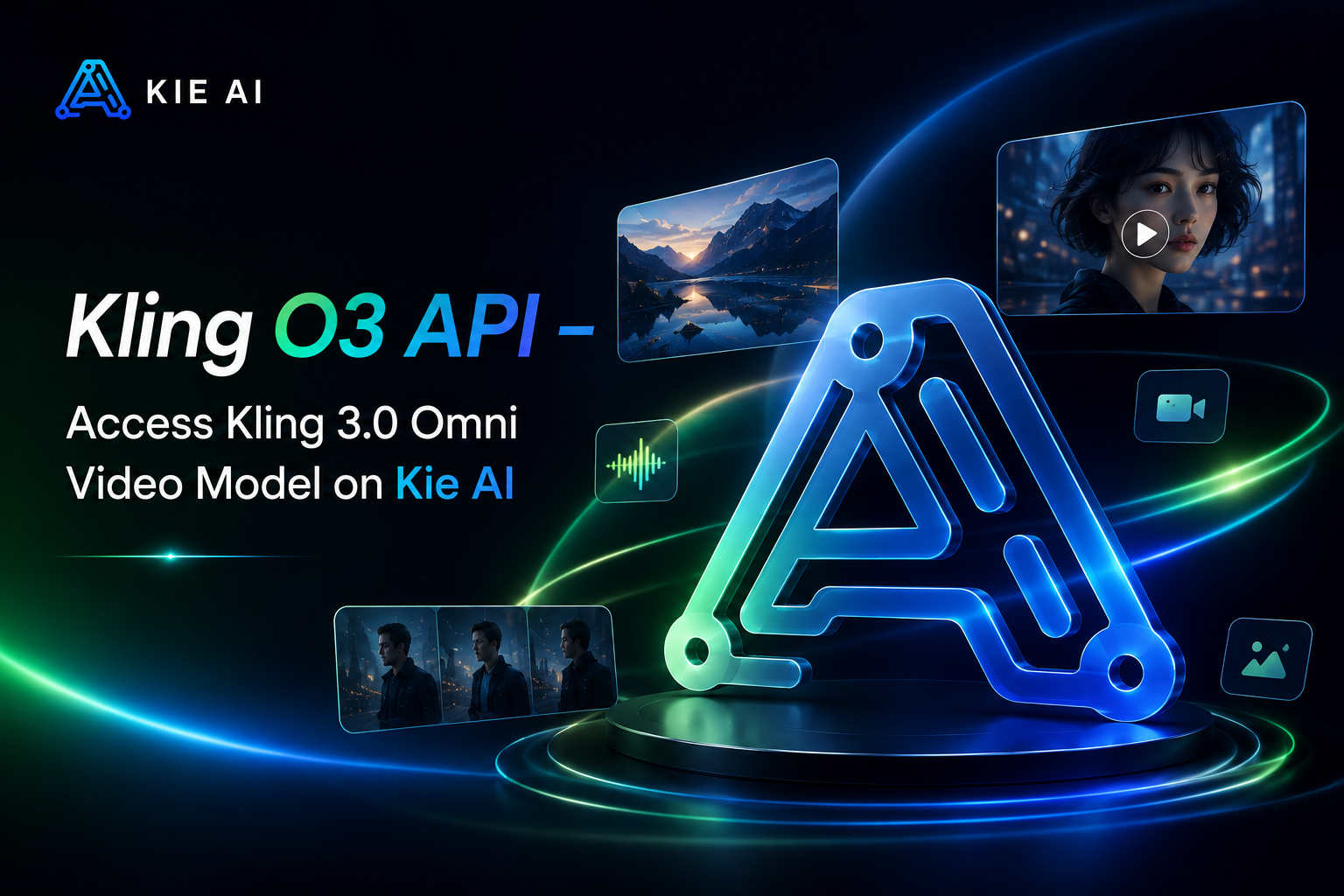
Kling O3 API – Access Kling 3.0 Omni Video Model on ModelFold
Build next-generation AI video applications with Kling O3 API, featuring multimodal references, native audio, character consistency, and multi-shot video generation.
Key Features of Kling O3 API on ModelFold
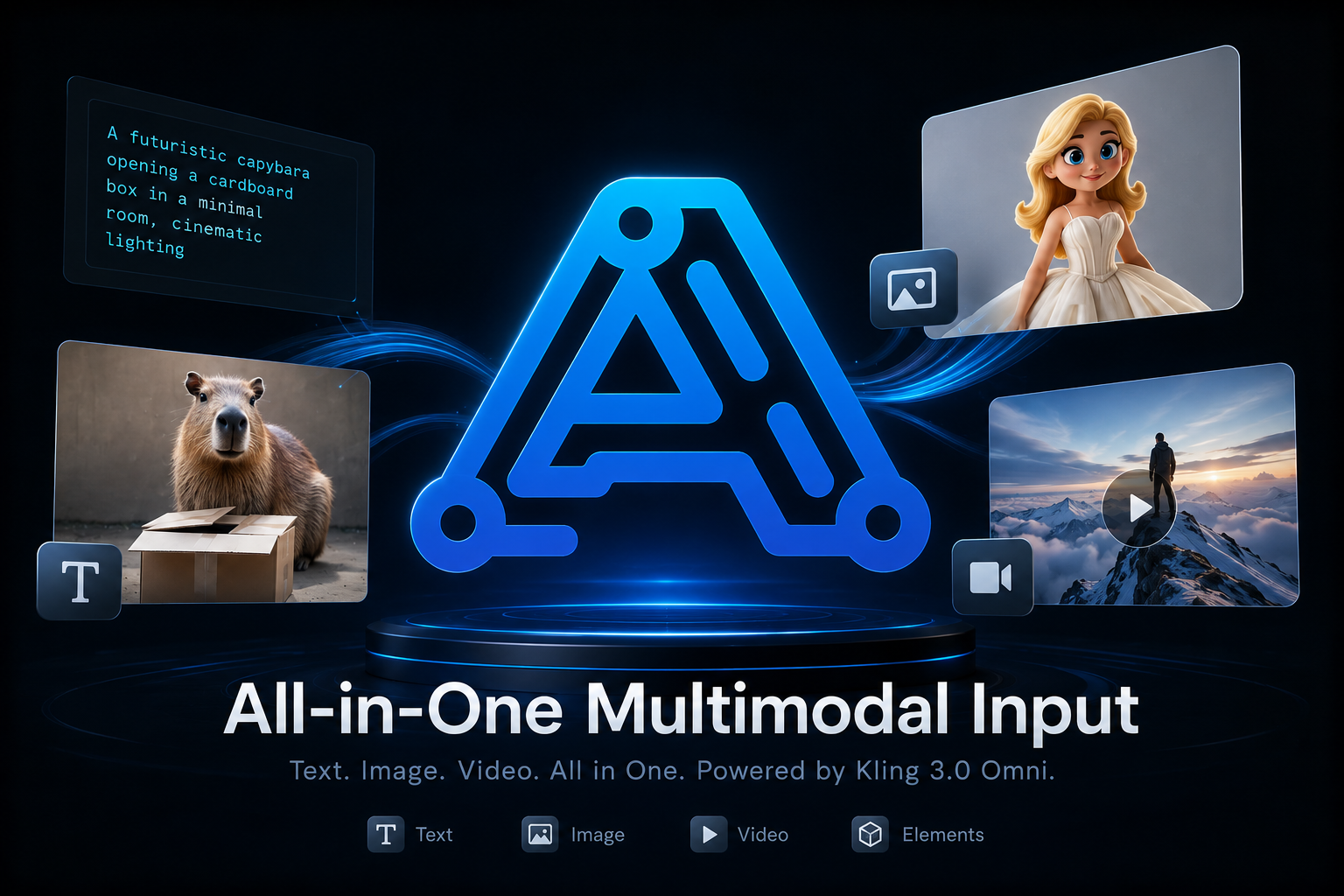
All-in-One Multimodal Input with Kling 3.0 Omni API
Kling 3.0 Omni API can understand text, images, videos, and reusable elements together as generation inputs. Developers can combine different references to guide characters, objects, scenes, motion, and visual details in one flexible Kling AI video workflow.
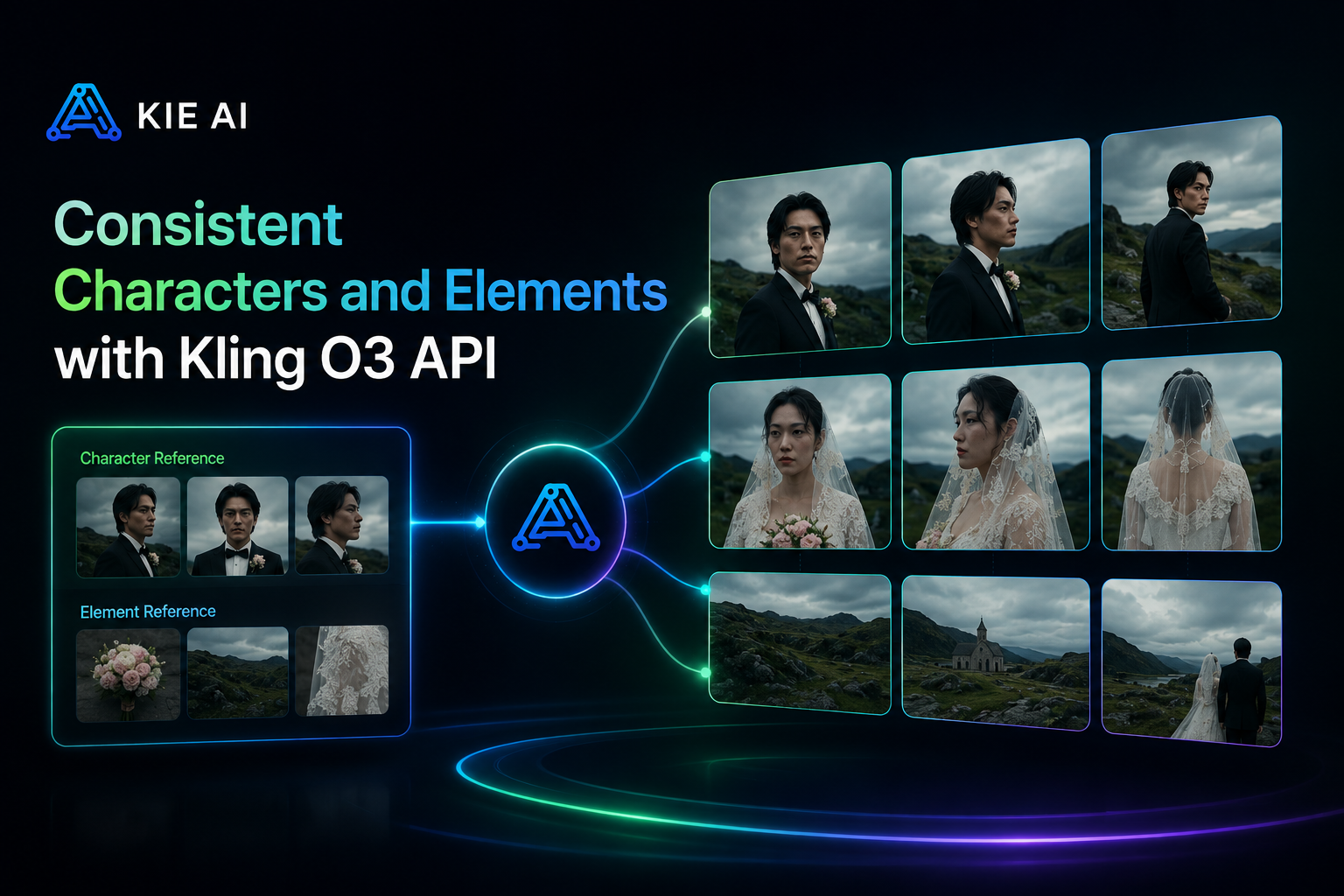
Consistent Characters and Elements with Kling O3 API
Use the Kling O3 API to keep characters, products, objects, and scenes consistent across changing shots and camera angles. Stronger reference understanding helps the Kling VIDEO 3.0 Omni Model preserve key visual details even in complex multi-character scenes.
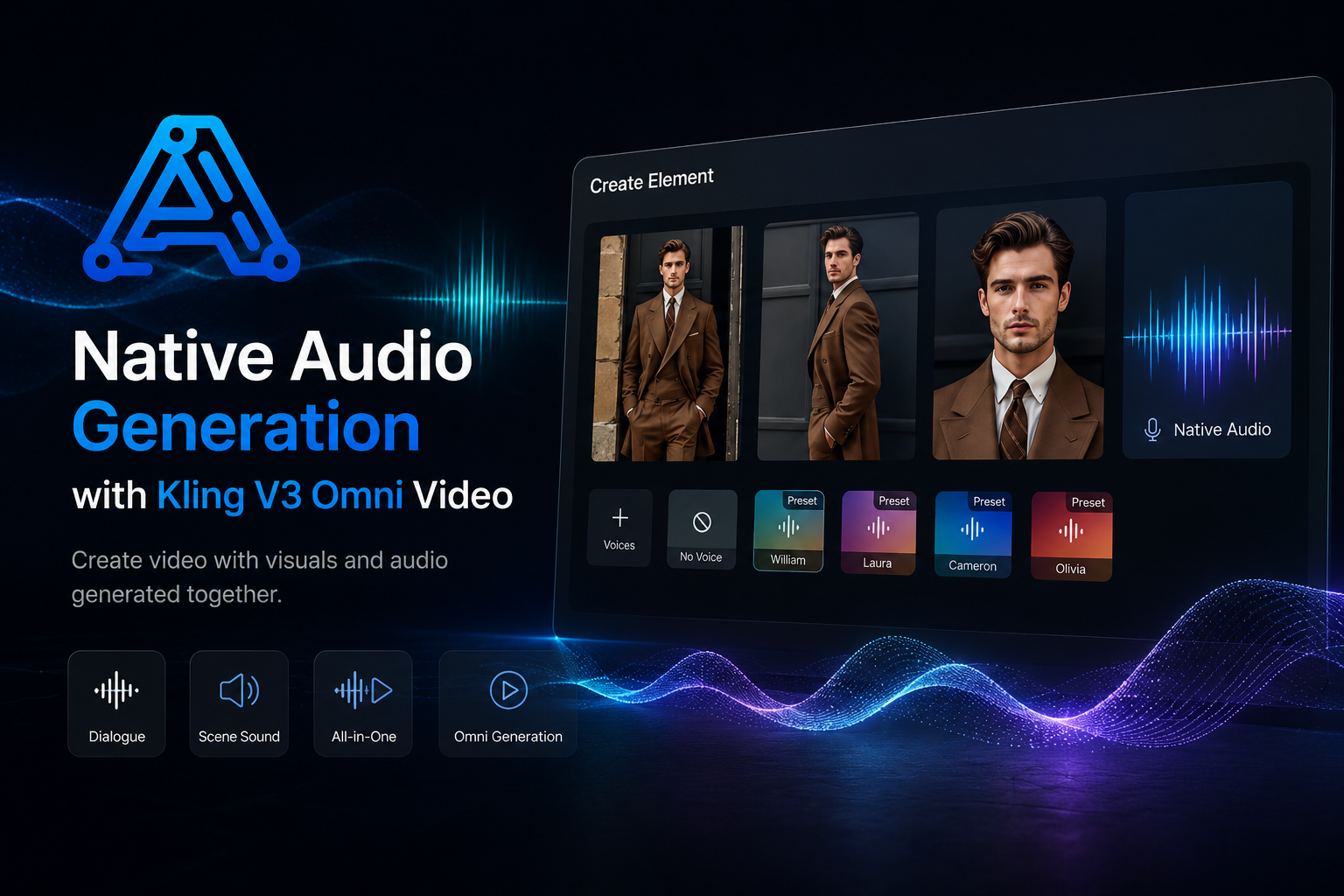
Native Audio Generation with Kling V3 Omni Video
Create Kling V3 Omni video with visuals and audio generated together. Native audio supports dialogue and scene sound within the same generation workflow, helping developers build richer AI video tools without separating every visual and audio task.
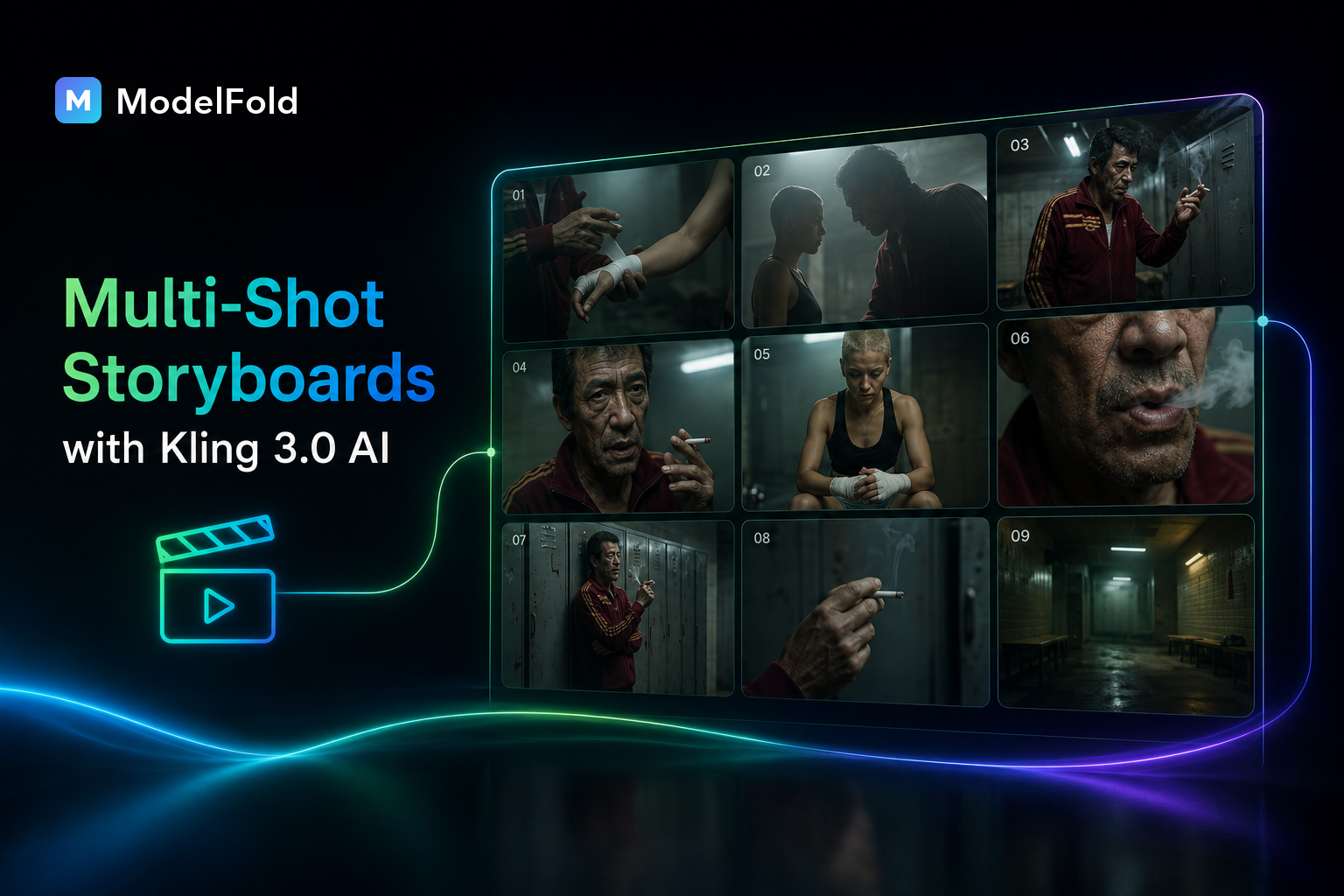
Multi-Shot Storyboards with Kling 3.0 AI
Turn structured prompts into multi-shot videos with Kling 3.0 AI. Define shot duration, framing, camera angle, character actions, dialogue, and camera movement to create more controlled narratives and smoother transitions between scenes.
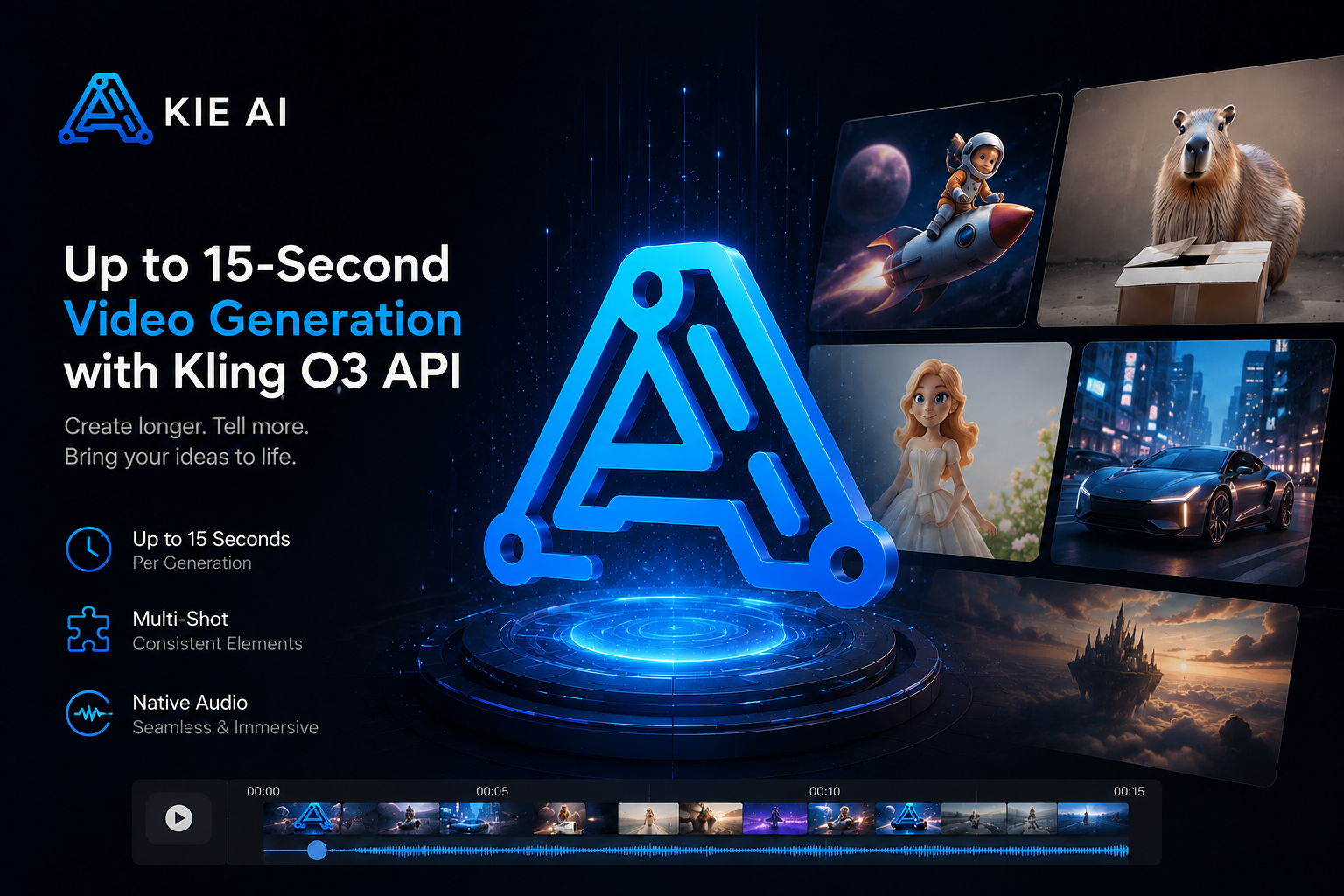
Up to 15-Second Video Generation with Kling O3 API
Kling O3 API supports video generation up to 15 seconds in a single generation. Developers can create longer, more complete sequences with multiple shots, consistent elements, native audio, and flexible duration control for AI video applications.
Multi-Image Reference with Kling 3.0 Omni API
Multi-Image Reference with Kling 3.0 Omni API
Use multiple images with the Kling 3.0 Omni API to define characters, products, objects, and scenes from different views. Richer visual references help preserve important details and improve consistency throughout the generated video.
Video Character Reference with Kling VIDEO 3.0 Omni
Use short videos as character references with Kling VIDEO 3.0 Omni. The model can capture visual traits and character details from video input, helping maintain a more consistent identity across new scenes, actions, and camera angles.
Character Voice Control with Kling O3 API
Kling O3 API supports voice-driven character elements for more consistent audio-visual creation. Bind voice characteristics to reusable characters and use them across dialogue, storytelling, and character-focused video workflows.
Combine Multiple Elements with Kling V3 Omni Video
Create complex Kling V3 Omni video scenes by combining characters, objects, reference images, videos, and other elements. Kling 3.0 Omni can preserve key subject features even as interactions, environments, and camera shots change.
Kling O3 API vs Kling VIDEO O1: What’s New in Kling 3.0 Omni
Kling O3 API, powered by the Kling VIDEO 3.0 Omni Model, expands on Kling VIDEO O1 with native audio, multi-shot generation, video element references, voice control, and longer video creation up to 15 seconds.
| Capability | Kling VIDEO O1 | Kling VIDEO 3.0 Omni |
|---|---|---|
| Text-to-Video | No Native Audio, No Multi-shot | ✅ Supports Native Audio and Multi-shot |
| Image-to-Video | No Native Audio, No Multi-shot | ✅ Supports Native Audio and Multi-shot |
| Start & End Frames-to-Video | No Native Audio, No Multi-shot | ✅ Supports Native Audio and Multi-shot |
| Multi-image Reference | No Native Audio, No Multi-shot | ✅ Supports Native Audio and Multi-shot |
| Element Reference | No Native Audio, No Multi-shot | ✅ Supports Native Audio and Multi-shot |
| Video Element Reference | Not supported | ✅ Supports uploading/recording video elements |
| Added Element Voice Control | Not supported | ✅ Supports adding voice to elements |
| Video Duration | Up to 10s | ✅ Up to 15s |
How to Use Kling O3 API on ModelFold
- 1
Step 1: Create a ModelFold Account and Get Your Kling O3 API Key
Sign up for ModelFold and create your Kling O3 API key from the developer dashboard. One API key gives you a simple way to access supported Kling AI API models and manage your usage.
- 2
Step 2: Try Kling O3 API Online in the Playground
Test the Kling O3 API in the ModelFold online playground before integration. Use prompts, images, videos, and supported references to explore Kling 3.0 Omni API capabilities and compare generation results.
- 3
Step 3: Integrate Kling 3.0 Omni API into Your App
Follow the ModelFold API documentation to connect Kling 3.0 Omni API to your SaaS product, AI video generator, or automation workflow. Send generation requests with a clear and developer-friendly API process.
- ✓
Step 4: Generate and Scale Kling V3 Omni Video
Start generating Kling V3 Omni video through the API and scale as your product grows. Use Kling O3 for multimodal references, consistent characters, native audio, and multi-shot video workflows.
Why Choose ModelFold for Kling O3 API
Text, Image, Reference and Transformation Models on One Endpoint
kling-3.0-omni/text-to-video, kling-3.0-omni/image-to-video, kling-3.0-omni/reference-to-video and kling-3.0-omni/transformation all run on POST https://ai.modelfold.online/v1/videos/generations with one ModelFold API key. Text-to-video outputs up to 4K and from 3 to 15 seconds; the full parameter list is in the Playground and the API section on this page. Pricing for each resolution is shown in the pricing line above and in the rate card of the API section.
Custom Shots or Model-Planned Shots, Not Both
Custom multi-shot takes up to 6 shots, each 1 to 12 seconds and 15 seconds in total, while intelligent shot planning lets the model split the video itself. The two switches cannot both be on, and shot prompts are only accepted when custom multi-shot is enabled.
Aspect Ratio and Audio Rules by Mode
Single-shot image-to-video requires the auto aspect ratio, and transformation with a video alone accepts only auto. Set audio explicitly on each request. Audio is priced separately in the rate card; when a video is provided, no audio is generated, and transformation is billed on the length of the input video. New ModelFold users receive 80 free credits for testing.
Turn Kling 3.0 Omni API into Real-World Video Products
Build AI Video Generator Apps with Kling O3 API
Integrate the Kling O3 API into AI video generators, creative SaaS tools, and content platforms. Support multimodal inputs and advanced video creation without building complex generation infrastructure from scratch.
Create Consistent Character Videos with Kling 3.0 Omni API
Use the Kling 3.0 Omni API to build character-based video tools that preserve appearance across different scenes and camera angles. Add reusable character elements for stories, virtual characters, and branded content.
Generate Product and Ad Videos with Kling V3 Omni Video
Create Kling V3 Omni video for product demos, ads, campaigns, and social content. Combine product images, scene references, motion prompts, and native audio to turn creative assets into engaging marketing videos.
Build Multi-Shot Stories with Kling VIDEO 3.0 Omni Model
Use the Kling VIDEO 3.0 Omni Model for narrative video applications that need multiple shots in one generation. Control framing, shot duration, dialogue, camera movement, and character actions for structured storytelling.
Create Voice-Driven Character Apps with Kling 3.0 AI
Build dialogue, avatar, and virtual character experiences with Kling 3.0 AI. Combine character references with voice and native audio to create reusable characters that look and sound consistent across different videos.
Automate Video Creation Workflows with Kling AI API
Connect the Kling AI API to content pipelines and SaaS workflows to automate video generation at scale. Turn prompts and reference assets into videos for social media, marketing, entertainment, and other applications.
Frequently Asked Questions
What is Kling O3?⌄
Kling O3 is part of Kling AI’s latest video generation model lineup, built around the Kling VIDEO 3.0 Omni capabilities. It supports multimodal references, native audio, multi-shot storytelling, consistent characters, and video generation up to 15 seconds.
How can I access Kling 3.0 Omni API on ModelFold?⌄
You can access the Kling 3.0 Omni API through ModelFold. Create an account, get an API key, test the model online, and integrate Kling AI video generation into your app or SaaS product.
Can I try Kling O3 API for free on ModelFold?⌄
Yes. New users can get free credits on ModelFold to test the Kling O3 API online. This lets you explore Kling 3.0 Omni video generation and evaluate results before scaling your API usage.
How do I get a Kling O3 API key from ModelFold?⌄
Create a ModelFold account and generate your Kling O3 API key from the platform. You can then follow the API documentation to connect supported Kling AI models to your application.
Does Kling VIDEO 3.0 Omni support native audio?⌄
Yes. Kling VIDEO 3.0 Omni supports native audio-visual generation, allowing audio and video to be created together for dialogue, character performances, storytelling, and other video experiences.
How long can Kling 3.0 Omni videos be?⌄
The Kling VIDEO 3.0 Omni Model can generate videos up to 15 seconds in a single generation, compared with the maximum 10-second duration of Kling VIDEO O1.
Does Kling 3.0 Omni API support multi-shot video generation?⌄
Yes. Kling 3.0 Omni API supports custom multi-shot generation with control over shot duration, framing, camera angles, character actions, dialogue, and camera movement.
What input types does Kling VIDEO 3.0 Omni support?⌄
Kling VIDEO 3.0 Omni supports text, images, videos, and elements as multimodal inputs. Developers can combine these references to guide characters, objects, scenes, motion, and visual details.
What is the difference between Kling O3 and Kling O1?⌄
Kling O3, based on the Kling VIDEO 3.0 Omni generation, expands on Kling O1 with native audio, multi-shot storytelling, video character references, voice control, stronger element consistency, and video generation up to 15 seconds.
| Resolution | No audio | With audio |
|---|---|---|
| 720p | 88 credits | 113 credits |
| 1080p | 113 credits | 144 credits |
| 4k | 419 credits | 419 credits |
Billed per second of output. The prices above are for a 5-second clip; longer clips cost proportionally more. In multi-shot mode the billed length is the sum of all shot durations.
curl https://ai.modelfold.online/v1/videos/generations \
  -H "Authorization: Bearer $MODELFOLD_API_KEY" \
  -H "Content-Type: application/json" \
  -d '{"model":"kling-3.0-omni/text-to-video","prompt":"...","resolution":"720p","duration":5}'