 ModelFold
flux-2/pro-text-to-image
Flux 2 is Black Forest Labs’ advanced image generation model that delivers photoreal detail, strong multi-reference consistency, and accurate text rendering with flexible control.
Pricing: 1K 7 credits / image, 2K 9 credits / image.
Explore more Image to Image models

More AI models from Black Forest Labs
Latest and popular AI models

Affordable Flux 2 & Flux 2 Pro API from Black Forest Labs
Use Black Forest Labs’ Flux 2 Pro and Flex with simple, affordable pricing on ModelFold. Try both models instantly in the free Flux playground.

FLUX.1 to FLUX.2 — What’s New in ModelFold Flux 2 API
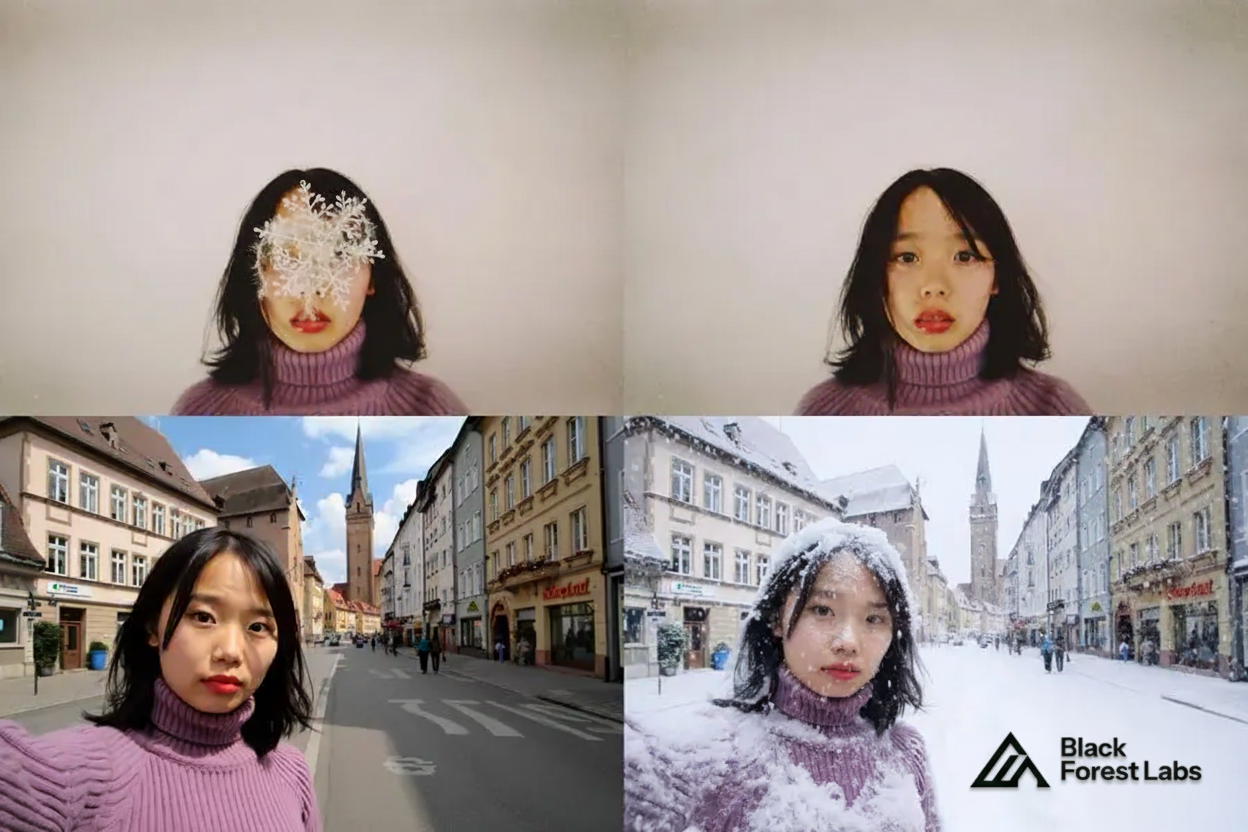
Flux 2 API Multi-Reference Consistency with Up to 8 Images
Flux 2 API on ModelFold delivers strong multi-reference control. You can combine up to 8 images and keep characters, products, and styles consistent across outputs. Flux2 api handles identity stability even in complex scenes with reliable accuracy.

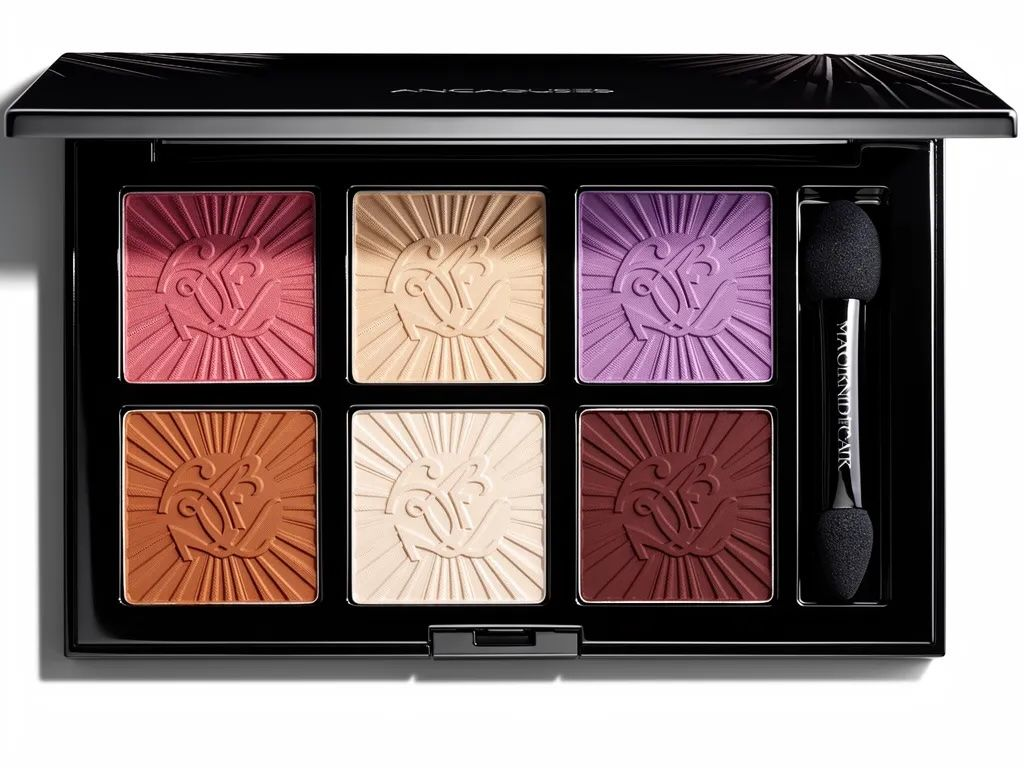
Higher Fidelity in Flux 2.0 API Image Detail
Flux 2.0 api pushes image quality further with sharper textures, cleaner materials, and stable lighting. This upgrade helps teams produce product shots, portraits, and visuals that stay true to real-world logic without losing detail or clarity.

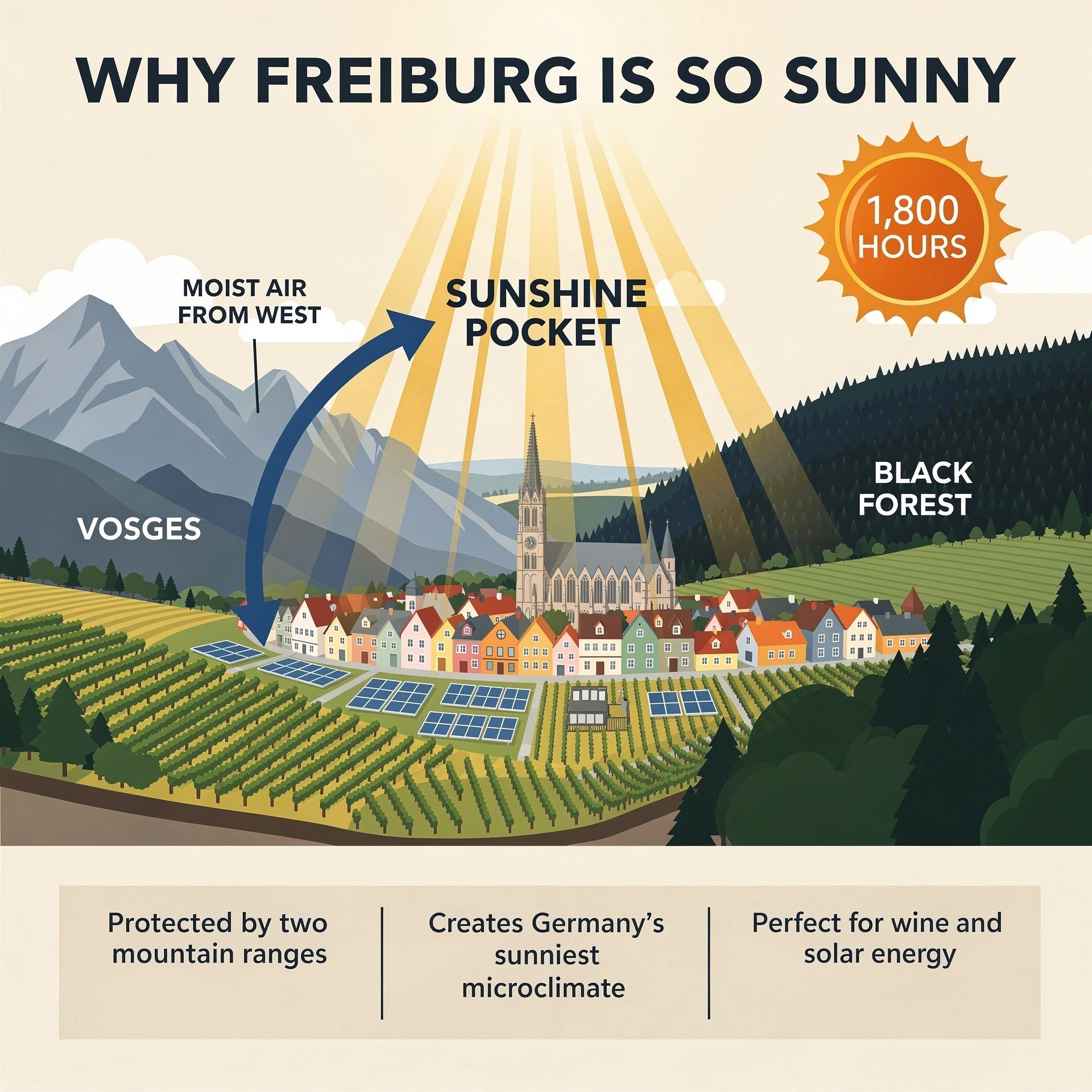
Improved Text Rendering with Flux 2 AI API
Flux 2 ai api now handles fine typography, infographics, UI layouts, and meme-style text with strong accuracy. It renders small fonts sharply, balances layout spacing, and follows structured instructions without breaking design intent.

Stronger Prompt Following in Flux.2 API
Flux.2 api follows complex prompts more reliably, from multi-part instructions to strict composition rules. It keeps lighting, props, and subject placement under tight control, enabling repeatable, production-grade outputs across workflows.
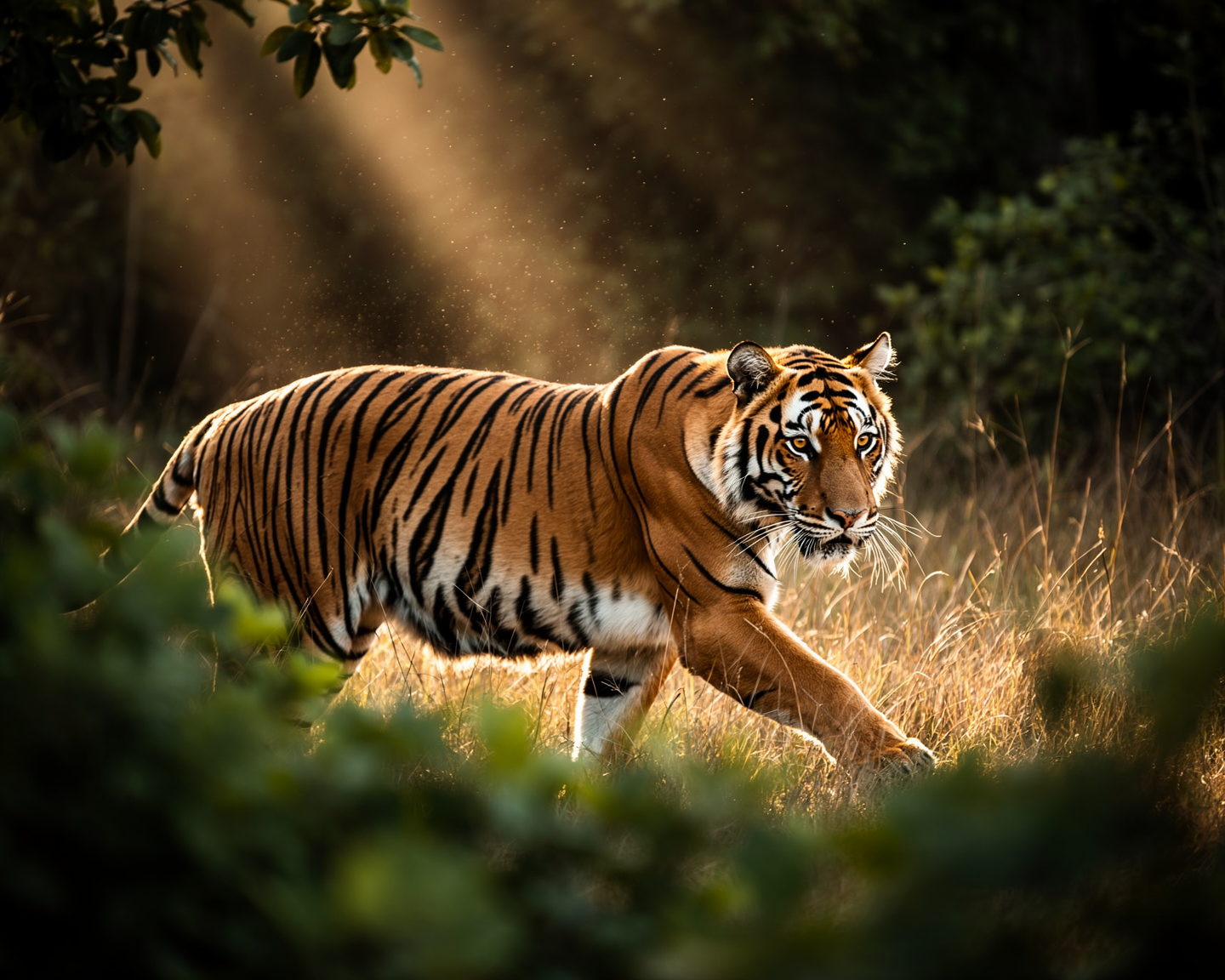
Real-World Knowledge in Flux 2 Image Generator
Flux 2 image generator understands spatial logic, materials, and everyday objects more accurately. Scenes behave as expected—lighting feels natural, reflections make sense, and objects interact in grounded, coherent ways.
4MP Resolution & Flexible Ratios in Flux2 API
Flux2 api supports editing and generation up to 4MP resolution while offering flexible input and output ratios. This gives developers freedom to create vertical ads, banners, posters, and wide-format product visuals at scale.
Flux 2 Pro and Flux 2 Flex APIs on ModelFold
FLUX.2 [Pro] API for Reliable, Production-Ready Results
FLUX.2 [pro] api focuses on delivering clean, consistent, and high-quality images for real production needs. Flux 2 Pro api performs well in scenarios where accuracy, fast turnaround, and stable visual quality matter—making it a strong fit for apps that need dependable image generation at scale.
FLUX.2 [Flex] API for Developers Who Want More Control
FLUX.2 [flex] api gives you the freedom to fine-tune each request. You can adjust steps, guidance, and speed to get exactly the balance you want. Flux 2 flex api is especially useful when you need precise typography, tighter composition, or more control over fine details in your workflow.
FLUX.2 [Dev] — Full Model Weights You Can Run Yourself
FLUX.2 [dev] is the downloadable, open-weight version of the model. You can run it locally, deploy it on your own servers, or customize it for research or advanced development needs.
Compare Flux 2 Pro, Flux 2 Flex, and Flux 2 Dev Models
| Feature | Flux 2 Pro | Flux 2 Flex | Flux 2 Dev |
|---|---|---|---|
| Best for | Production workflows | Maximum quality & fine-grained control | Local development & full customization |
| Speed | Fast generation | Higher latency (quality-focused) | Depends on your hardware |
| Multi-reference | Up to 8 on ModelFold | Up to 8 on ModelFold | Recommended maximum of 6 references |
| Controls | Standard settings | Adjustable steps & guidance | Full model-level control |
| Text-to-image | Supported | Supported | Supported (open-weight) |
| Image editing | Supported | Supported | Supported (open-weight) |
How to Use Flux 2 API — Quick Start with Free Flux Playground
- 1
Step 1 — Test Flux2 API in the ModelFold Playground
Start by exploring flux2 api features directly inside the ModelFold playground. Upload images, try multi-reference editing, and preview flux 2 image generator results in real time. This gives you a clear sense of lighting control, consistency, and text rendering.
- 2
Step 2 — Create an Account and Get Your Flux 2 API Key
Sign in to your ModelFold dashboard and generate a unique flux 2 api key. You will use this key for all requests, including flux 2.0 api text-to-image, editing, and multi-reference workflows. Keep your key secure to avoid unauthorized usage.
- ✓
Step 3 — Call Flux.2 API Endpoints in Your App
Use your API key to send a POST request to https://ai.modelfold.online/v1/images/generations with the model name, a prompt of up to 2,000 characters and a resolution (1K or 2K). The response returns the finished image URLs, with no task polling or callback to set up; image references, aspect ratios and editing instructions can be tried in the Playground on this page. Flux 2 ai api returns high-quality outputs with strong consistency, clean typography, and stable detail—ready for production apps.
Why Choose ModelFold for Flux 2 API Integration
- 1
Pro and Flex for Text-to-Image and Image Editing
flux-2/pro-text-to-image, flux-2/pro-image-to-image, flux-2/flex-text-to-image and flux-2/flex-image-to-image run on POST https://ai.modelfold.online/v1/images/generations and take the same parameters, with 1K or 2K output; the response returns the finished image URLs. The full parameter list is in the playground and API docs above. Pricing for each model and resolution is shown in the pricing card above.
- 2
Aspect Ratio and Resolution Are Required
Aspect ratio and resolution are required on every request. The auto aspect ratio matches the first input image, so it only works with image-to-image. The output format is not fixed: results may come back as PNG or JPEG.
- ✓
Up to 8 Reference Images and 80 Free Credits
Image-to-image models take 1 to 8 reference images as publicly reachable URLs, and the pricing card above lists them at no extra cost. New ModelFold users receive 80 free credits for testing.
Real Use Cases Powered by the Flux 2 API
Product Photography and E-Commerce Visuals with Flux 2 Image Generator
Flux 2 image generator helps brands create clean, studio-quality product shots without complex setups. With flux2 api, you can maintain lighting, color, and material accuracy across multiple SKUs, making it easy to build consistent catalogs and promotional assets.
Marketing Creatives and Campaign Assets Using Flux 2 AI API
Flux 2 ai api is ideal for ad agencies and marketing teams that need fast concept development. You can generate high-impact visuals, seasonal campaigns, and social assets with steady character identity and accurate typography, keeping brand stories cohesive from draft to final output.
UI Mockups, Infographics, and Layout Design via Flux.2 API
Flux.2 api handles structured layouts, icons, and fine text with surprising clarity, making it a strong tool for UI designers. You can produce wireframes, infographic concepts, or polished interface shots while preserving alignment, spacing, and text readability across versions.
Consistent Character Scenes and Storyboards with Flux 2 Pro
Flux 2.0 api and Flux 2 Pro support multi-reference inputs, allowing creators to keep characters consistent across different scenes. This makes it perfect for storyboards, comics, explainer videos, and narrative-driven visuals where facial features, outfits, and style must stay aligned.
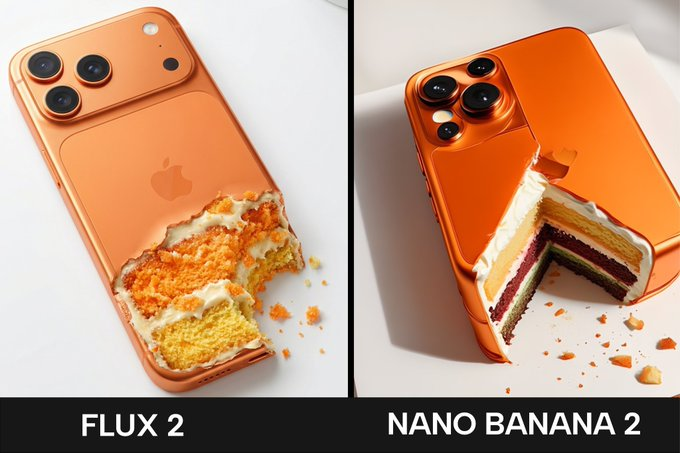
Flux 2 vs Nanobanana Pro — Which Model Fits Your Workflow?
When Flux 2 Is the Better Choice
Flux 2 shines in photorealism, consistent characters, and reliable multi-reference control. It’s ideal for portraits, product photography, creative scenes, and any workflow where lighting, texture, and realism matter most.
When Nanobanana Pro Works Better
Nanobanana Pro is stronger when you need precise text rendering, multilingual typography, infographics, or reasoning-heavy visuals. It delivers sharper text layouts and cleaner branded assets, making it a great fit for marketing design, UI concepts, and structured graphics.

Frequently Asked Questions
How do I choose between Flux 2 Pro, FLUX.2 [flex] api, and flux 2 dev for my workflow?⌄
For maximum control over steps and guidance, Flux 2 Flex offers more tuning options. If you prefer running the model locally or customizing it deeply, flux 2 dev is the version designed for local development and full control.
Does Flux 2 API support image editing or only text-to-image generation?⌄
Flux 2 API supports both. You can generate images from text or edit existing ones, including multi-reference setups. It’s designed for flexible workflows such as product updates, retouching, or visual variations.
Is there a free Flux Playground to test Flux 2 or FLUX.2 models online?⌄
Yes. ModelFold provides a free Flux playground where you can try Flux 2, FLUX.2 [pro] api, and FLUX.2 [flex] api directly in your browser—no GPU, no setup, and no local installation required.
Can I run Flux 2 Pro or FLUX.2 without local deployment?⌄
Yes. You can run Flux 2 Pro, FLUX.2 [flex] api, and other Flux 2 api workflows fully online through ModelFold. Everything runs in the cloud, so you don’t need to download models or deploy anything locally.
How does Flux 2 compare to Nanobanana Pro for image generation?⌄
Flux 2 focuses on photorealism, detailed textures, and strong multi-reference consistency. Nanobanana Pro excels at sharp text, structured layouts, and reasoning-heavy visuals. ModelFold offers both models, so you can test them online and choose the one that fits your needs.
| Pro Text To Image | |
| 1K | 7 credits / image |
| 2K | 9 credits / image |
| Flex Text To Image | |
| 1K | 18 credits / image |
| 2K | 30 credits / image |
| Flex Image To Image | |
| 1K | 18 credits / image |
| 2K | 30 credits / image |
| Pro Image To Image | |
| 1K | 7 credits / image |
| 2K | 9 credits / image |
curl https://ai.modelfold.online/v1/images/generations \
  -H "Authorization: Bearer $MODELFOLD_API_KEY" \
  -H "Content-Type: application/json" \
  -d '{"model":"flux-2/pro-text-to-image","prompt":"..."}'