 ModelFold
claude-sonnet-5-5
Claude Sonnet 5.5 is Anthropic’s second model in the Claude 5.5 family, designed as a faster, more cost-efficient upgrade to Sonnet 5. It delivers 30%+ faster output with up to 30% lower cost per task, while supporting coding, AI agents, knowledge work, visual understanding, and everyday AI tasks.
Pricing: Input 200 credits / 1M tokens (≈ $1.00), Output 1000 credits / 1M tokens (≈ $5.00).
How can I help you today?
Explore more Chat models
More AI models from Anthropic

Latest and popular AI models
Claude Sonnet 5.5 API – Faster Claude API with Lower Cost on ModelFold
Build with Anthropic Claude Sonnet 5.5 on ModelFold for faster agentic coding, long-horizon workflows, knowledge work, and visual tasks. Get 30%+ faster output than Sonnet 5 and try Claude Sonnet 5.5 free with new-user credits.
Key Capabilities of Claude Sonnet 5.5 API on ModelFold
Generate Outputs 30%+ Faster with Claude Sonnet 5.5 API
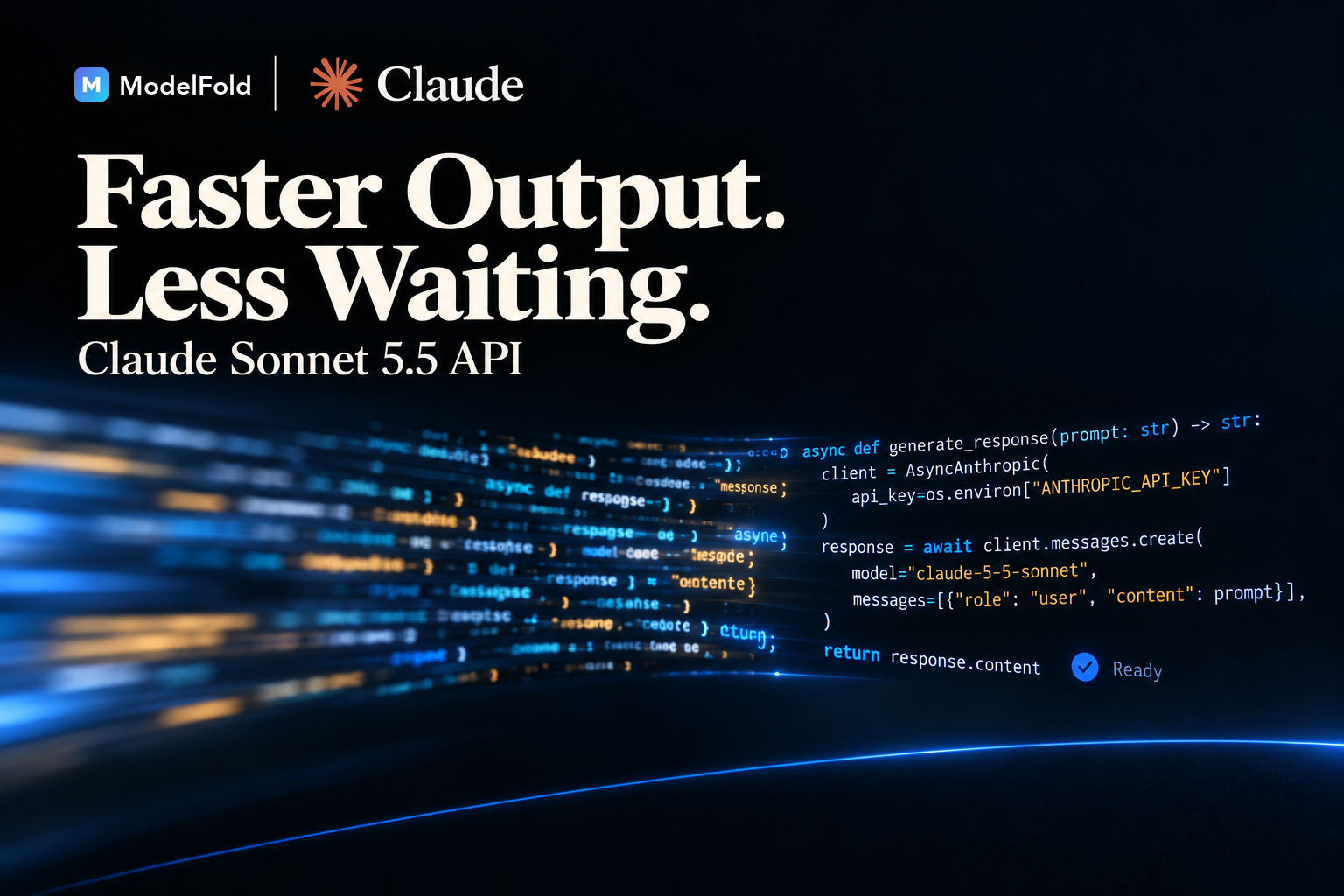
Claude Sonnet 5.5 API runs more than 30% faster than Sonnet 5, reducing wait time during coding, agent, and iterative workflows. It also typically uses fewer tokens to complete the same task, with Anthropic reporting up to 30% lower cost per task in its testing.
Advanced Agentic Coding with Claude Sonnet 5.5 API
Claude Sonnet 5.5 API shows a major improvement in agentic coding over Sonnet 5. It can understand large codebases, generate and debug code, review changes, trace issues across files, and complete multi-step engineering tasks. Sonnet 5.5 also batches tool calls more efficiently, reducing steps needed to complete complex coding work.
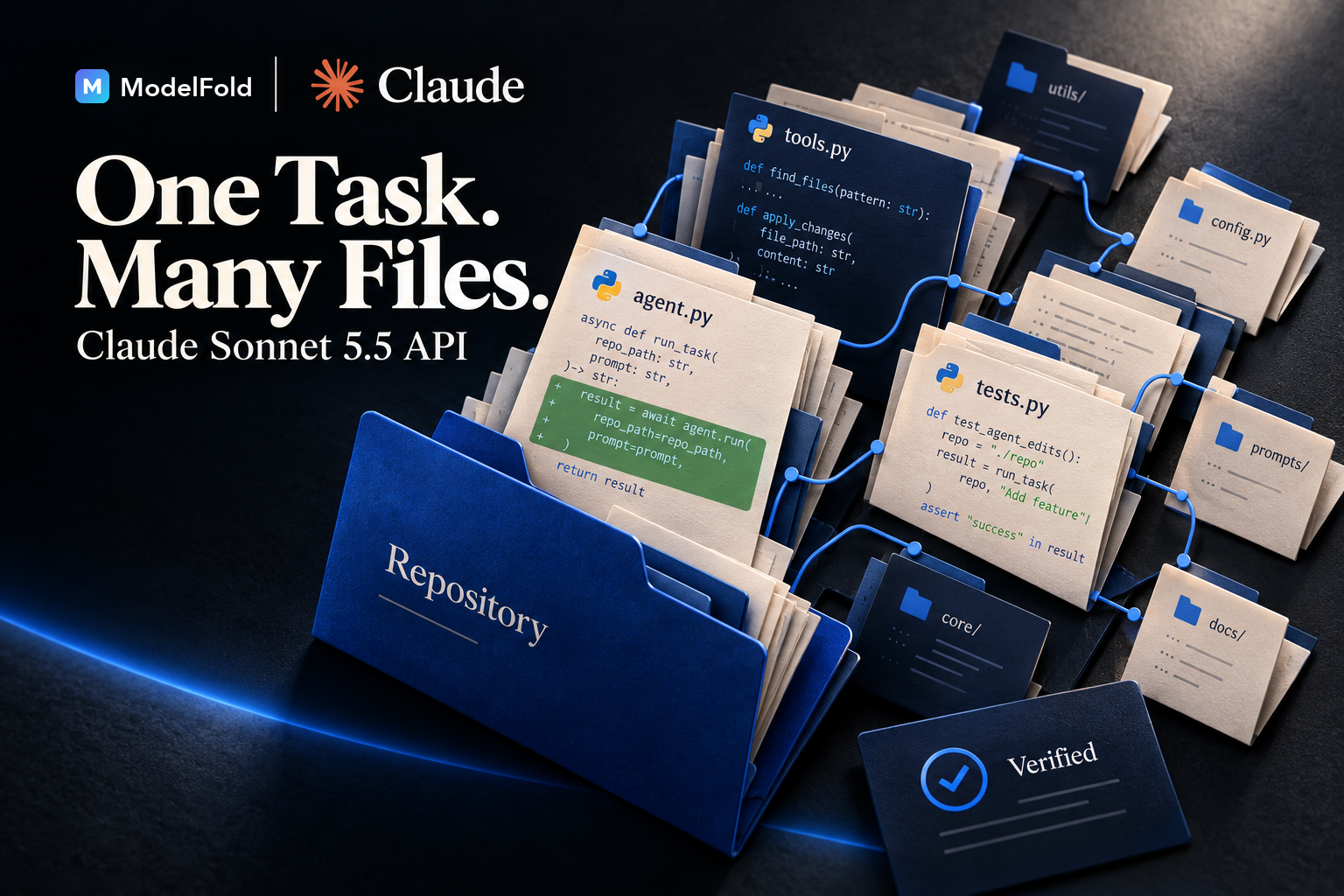
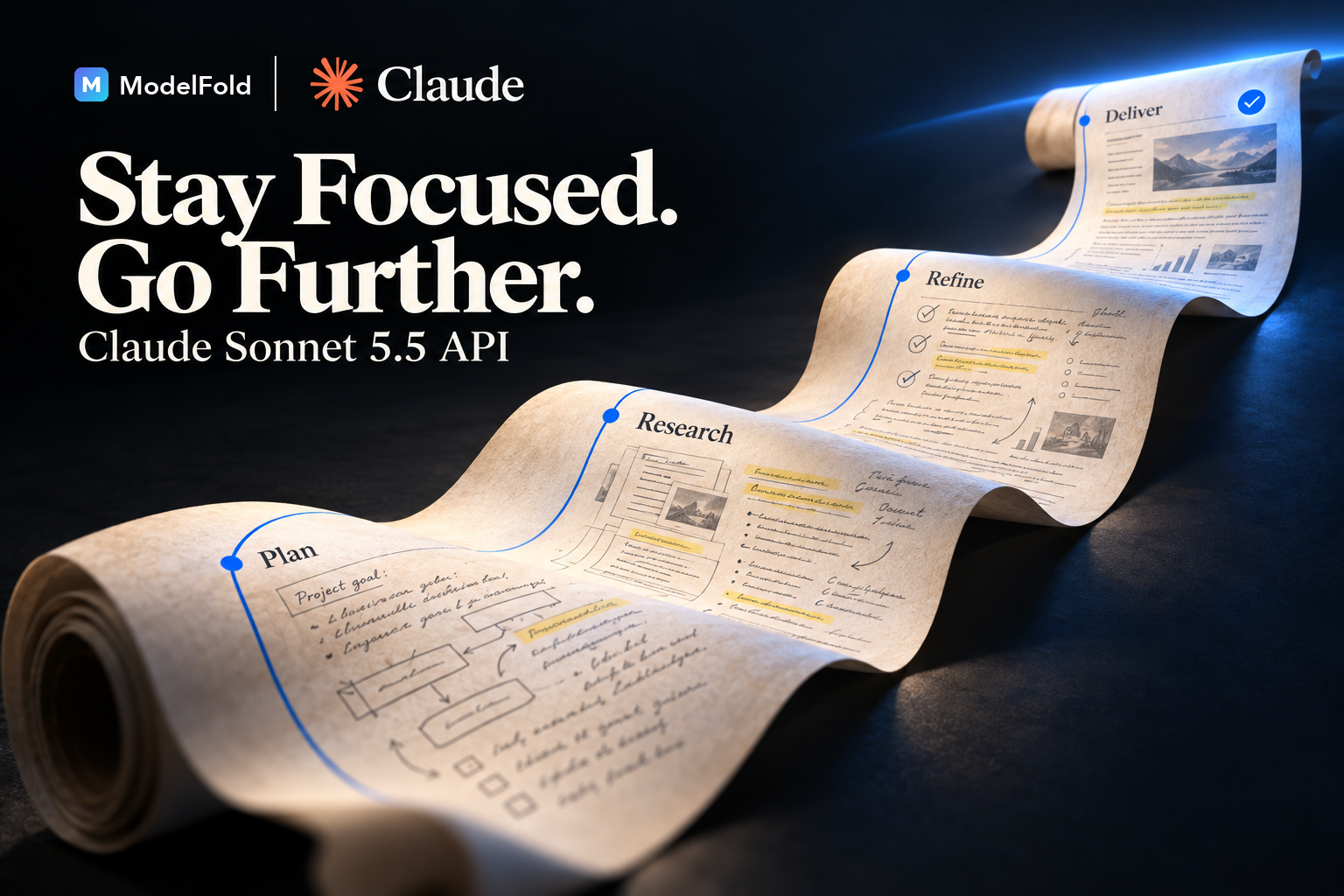
Handle Long-Horizon Tasks with Anthropic Claude Sonnet 5.5
Anthropic Claude Sonnet 5.5 can work through extended tasks that require multiple stages of reasoning and execution. It maintains relevant context as work progresses, uses information from earlier steps, and continues toward a goal across longer sequences of actions.
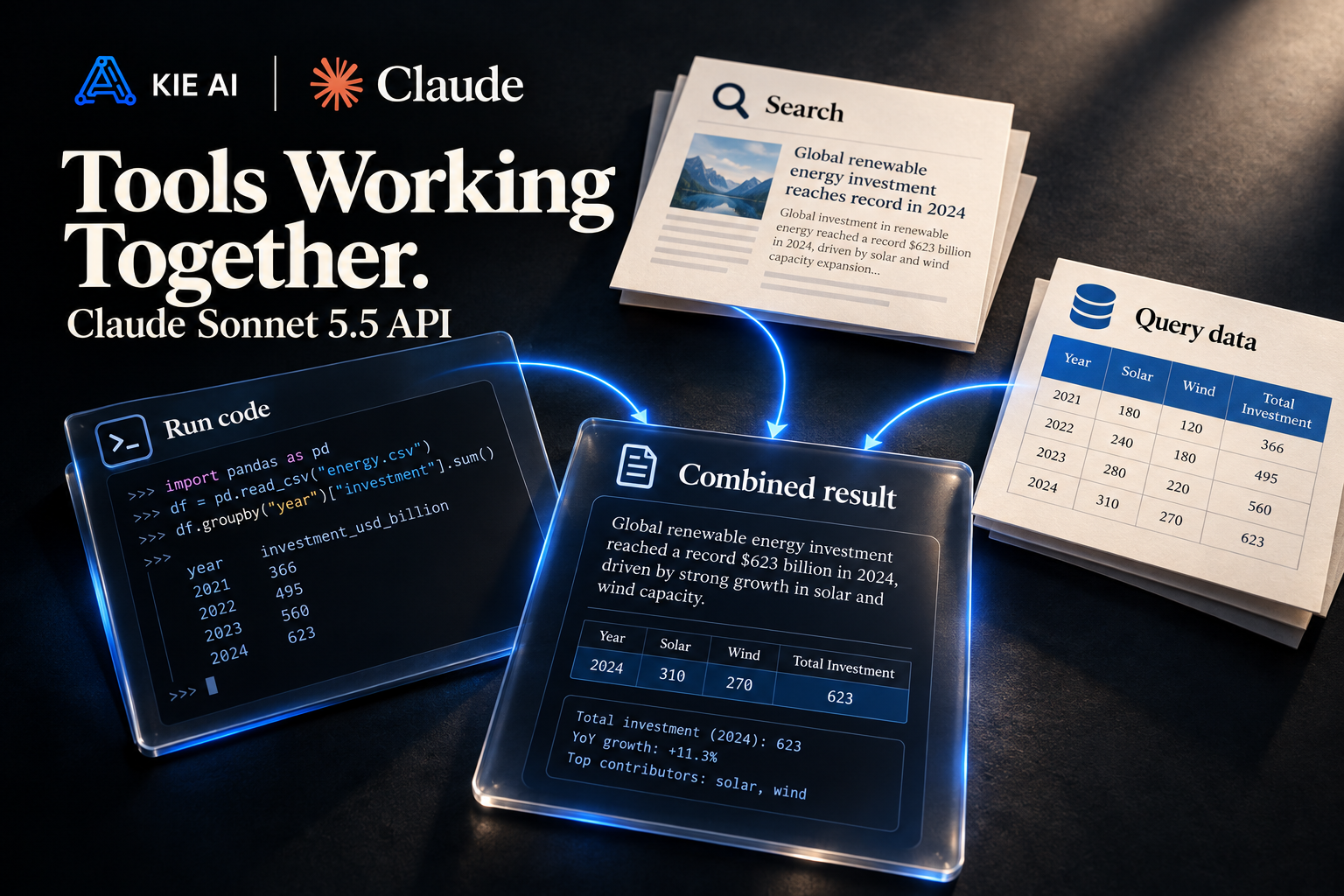
Stronger Tool Use for Multi-Step Claude API Workflows
Claude Sonnet 5.5 can use external tools as part of multi-step tasks and combine results from multiple tool calls before continuing. Compared with Sonnet 5, the model can batch related tool calls more effectively, reducing unnecessary steps during longer workflows.
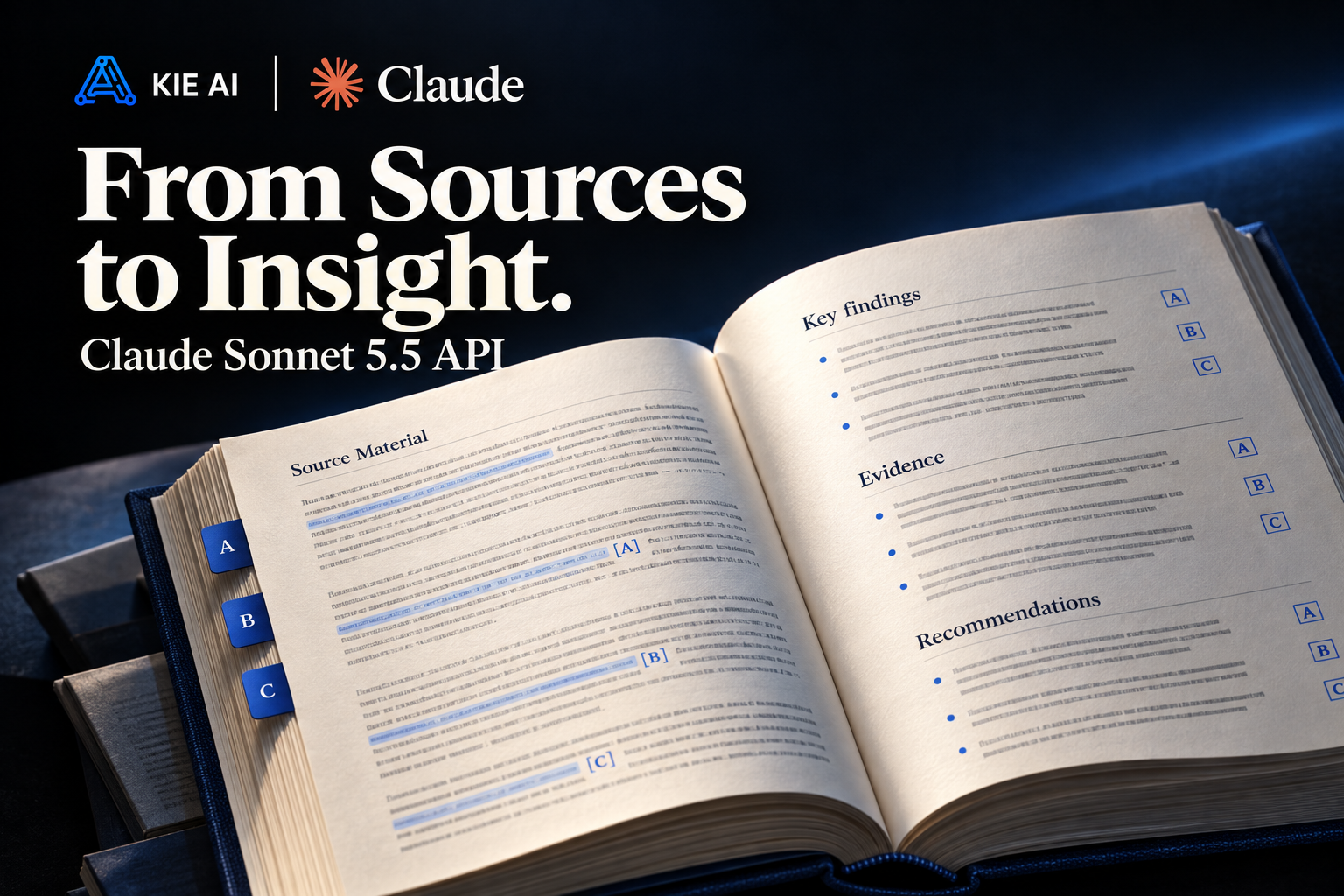
Advanced Knowledge Work with Claude Sonnet 5.5
Claude Sonnet 5.5 can analyze source materials, connect information across documents, follow detailed requirements, and produce structured outputs. Anthropic reports substantial gains over Sonnet 5 on evaluations covering real-world professional tasks across multiple occupations and industries.
Improved Image Understanding with Claude Sonnet 5.5 API
Claude Sonnet 5.5 API can reason over screenshots, charts, interfaces, documents, and other visual inputs alongside text. Compared with Sonnet 5, it shows stronger chart recognition and can use information from sequences of screenshots as part of longer tasks.

Claude Sonnet 5.5 API Performance and Benchmarks
Claude Sonnet 5.5 shows substantial gains over Sonnet 5 across agentic coding, knowledge work, reasoning, computer use, and visual understanding. Anthropic’s benchmark results show especially large improvements in agentic coding and visual tasks, while several results are close to Claude Opus 5.5.
| Benchmark | Sonnet 5.5 | Sonnet 5 | Opus 5.5 | GPT-6 Sol |
|---|---|---|---|---|
| Terminal-Bench 4.0 | 70.6% | 10.3% | 66.4% | — |
| FrontierCode 1.1 (Main) | 46.2% Max / 52.1% Xhigh | 42.4% | 54.4% | 49.3% |
| CursorBench 4.0 | 55.5% | 34.1% | 57.8% | — |
| GDPval-AA v2.1 | 1844 | 1449 | 1846 | 1487 |
| AA-Briefcase v1.1 | 1811 | 1359 | 1822 | 1483 |
| Humanity’s Last Exam | 64.5% with tools | 54.9% with tools | 67.7% with tools | — |
| OSWorld 2.1 | 80.1% partial | 57.0% partial | 81.8% partial | — |
| Chartography | 61.6% no tools | 15.6% no tools | 64.4% no tools | 53.6% no tools |
Claude Sonnet 5.5 vs Claude Opus 5.5: What’s the Difference?
Claude Sonnet 5.5 and Claude Opus 5.5 share many core capabilities, including agentic coding, long-horizon work, visual understanding, and professional knowledge tasks. The main difference is how they are positioned: Sonnet 5.5 emphasizes faster iteration and lower-cost execution for well-scoped tasks, while Opus 5.5 focuses on complex, open-ended work that requires sustained judgment.
| Comparison | Claude Sonnet 5.5 | Claude Opus 5.5 |
|---|---|---|
| Model Focus | Fast, efficient execution for well-scoped tasks | Complex, open-ended work requiring sustained judgment |
| Agentic Coding | 70.6% on Terminal-Bench 4.0 | 66.4% on Terminal-Bench 4.0 |
| Knowledge Work | 1844 on GDPval-AA v2.1 | 1846 on GDPval-AA v2.1 |
| Long-Horizon Work | Handles extended, multi-step tasks and tool use | Focuses on more complex long-running tasks requiring sustained judgment |
| Visual Understanding | Strong image, screenshot, and chart understanding | Strong visual understanding and computer-use performance |
| Speed | 30%+ faster output than Sonnet 5 | Optimized for complex work rather than speed-first execution |
| Cost Profile | Lower-cost option for well-scoped and repeated workloads | Higher-cost option for more demanding workloads |
| Best Fit | Coding, AI agents, analysis, and everyday production tasks | Complex analysis, advanced engineering, and open-ended professional work |
How to Use Claude Sonnet 5.5 API on ModelFold
- 1
Step 1: Try Claude Sonnet 5.5 Free in ModelFold Playground
Create a ModelFold account and use free new-user credits to try Claude Sonnet 5.5 free in Playground. Test prompts, coding tasks, agent workflows, and other inputs before starting API integration.
- 2
Step 2: Get Your Claude API Key
Open ModelFold dashboard and create an API key for your project. Use this key to authenticate requests and access Claude Sonnet 5.5 API from your application.
- 3
Step 3: Select Anthropic Claude Sonnet 5.5
Choose Anthropic Claude Sonnet 5.5 as your model and configure your request. You can test inputs and outputs in Playground before moving the same workflow into your application.
- ✓
Step 4: Integrate Claude Sonnet 5.5 API
Connect Claude API to your application and start sending requests from your code. Use Claude Sonnet 5.5 for coding, AI agents, analysis, visual inputs, and multi-step workflows based on your product requirements.
What Can You Build with Claude Sonnet 5.5 API
Build AI Coding Assistants with Claude Sonnet 5.5 API
Build AI coding assistants that generate code, find and fix bugs, review changes, refactor existing systems, and work across large repositories. Claude Sonnet 5.5 API can support coding workflows that move beyond single prompts into multi-file and multi-step software development tasks.
Create Autonomous AI Agents with Anthropic Claude Sonnet 5.5
Use Anthropic Claude Sonnet 5.5 to build AI agents that plan tasks, call tools, process intermediate results, and continue through longer workflows. Developers can combine reasoning and tool use to create agents for coding, research, data processing, and other multi-step tasks.
Add Claude Sonnet 5.5 API to SaaS Products
Integrate Claude Sonnet 5.5 API into SaaS products for writing, analysis, document processing, research, and other AI-powered features. A single Claude API integration can support user-facing assistants as well as AI functions running behind existing product workflows.
Build AI Research and Analysis Tools with Claude API
Use Claude API to build research tools that process source materials, compare information, analyze documents, and turn findings into structured outputs. Claude Sonnet 5.5 can work across longer tasks where information needs to be gathered, connected, reviewed, and organized before producing a final result.
Build Visual Analysis Tools with Claude Sonnet 5.5
Create applications that analyze screenshots, charts, interfaces, documents, and other visual inputs alongside text instructions. Claude Sonnet 5.5 can extract visual information and use it as context for document analysis, chart interpretation, interface analysis, and other multimodal workflows.
Automate Business Workflows with Claude Sonnet 5.5 API
Use Claude Sonnet 5.5 API to automate multi-step knowledge work such as analyzing source materials, preparing reports, organizing information, and generating structured documents. Claude Sonnet 5.5 can combine instructions, context, tool results, and intermediate work across longer automated workflows.
Why Use Claude Sonnet 5.5 API on ModelFold
Access Claude Sonnet 5.5 and More Models Through One API
Access Anthropic Claude Sonnet 5.5 alongside other Claude models and leading AI models through one ModelFold API. Use the same integration structure across different models instead of connecting to each provider separately.
Test Claude Sonnet 5.5 Free Before API Integration
Try Claude Sonnet 5.5 free in ModelFold Playground with new-user credits. Test prompts and outputs before integrating Claude Sonnet 5.5 API into your application.
Get Claude Sonnet 5.5 API at an Affordable Price
Use Claude Sonnet 5.5 API with competitive, usage-based pricing on ModelFold. Pay according to API usage and start with smaller workloads before scaling requests as your product grows.
Access New Claude API Models on ModelFold
ModelFold continues to expand its model library with new Claude API models as they become available. Access Claude Sonnet 5.5 and other supported Claude models without setting up a separate integration for each release.
Manage Multiple AI Models with One API Key
Use one ModelFold API key to access Claude Sonnet 5.5 API and other supported AI models. Centralized key management reduces the need to maintain separate credentials across multiple model providers.
Get Developer Support for Claude API Integration
Get support when working with Claude API on ModelFold, from initial integration to API usage questions and troubleshooting. ModelFold support can help developers resolve platform-related issues during development and production use.
Frequently Asked Questions
What Is Claude Sonnet 5.5 API?⌄
Claude Sonnet 5.5 API provides programmatic access to Anthropic Claude Sonnet 5.5, a model designed for agentic coding, long-horizon tasks, knowledge work, tool use, and visual understanding.
Can I Try Claude Sonnet 5.5 Free on ModelFold?⌄
Yes. You can try Claude Sonnet 5.5 free in ModelFold Playground using free new-user credits. Test prompts, coding tasks, reasoning workflows, and model outputs before integrating Claude Sonnet 5.5 API into your application. ModelFold currently provides new users with free testing credits.
How Do I Access Claude Sonnet 5.5 API on ModelFold?⌄
Create a ModelFold account, get your API key, select Claude Sonnet 5.5, and send requests through ModelFold API. ModelFold uses a unified API structure and authentication method across supported models, so you can access multiple AI models without managing separate provider integrations.
How Much Does Claude Sonnet 5.5 API Cost?⌄
Pricing is shown in the pricing card above.
Claude Sonnet 5.5 or Claude Opus 5.5: Which Model Should You Use?⌄
Claude Sonnet 5.5 focuses on faster, lower-cost execution for well-scoped tasks, while Claude Opus 5.5 is designed for more complex, open-ended work requiring sustained judgment.
How Does Claude Sonnet 5.5 Compare to GPT-6 Sol?⌄
Claude Sonnet 5.5 performs strongly in coding, agentic workflows, visual understanding, and knowledge work, while GPT-6 Sol is built for coding, reasoning, and professional AI tasks. Since performance can vary by workload, you can test both models on ModelFold with your own prompts and compare their outputs before choosing an API.
What Can I Build with Claude Sonnet 5.5 API?⌄
Developers can use Claude Sonnet 5.5 API for AI coding assistants, autonomous agents, research and analysis tools, document workflows, visual analysis applications, and AI features inside SaaS products. Its combination of coding, tool use, visual understanding, and long-horizon task handling supports both interactive and multi-step applications.
Can I Use Claude Sonnet 5.5 and Other Claude APIs with One ModelFold API Key?⌄
Yes. ModelFold uses the same authentication method across its supported model library. You can manage one ModelFold API key and use it to access Claude and other supported AI models instead of maintaining separate credentials for every provider.
| Input | 200 credits 1M tokens≈ $1.00 |
| Output | 1000 credits 1M tokens≈ $5.00 |
Billed per token: input and output are priced separately, and thinking tokens count as output. The Playground charges exactly the same way.
Read API docs →curl https://ai.modelfold.online/v1/chat/completions \
-H "Authorization: Bearer $MODELFOLD_API_KEY" \
-H "Content-Type: application/json" \
-d '{"model":"claude-sonnet-5-5","messages":[{"role":"user","content":"Hello"}]}'