 ModelFold
wan/2-5-image-to-video
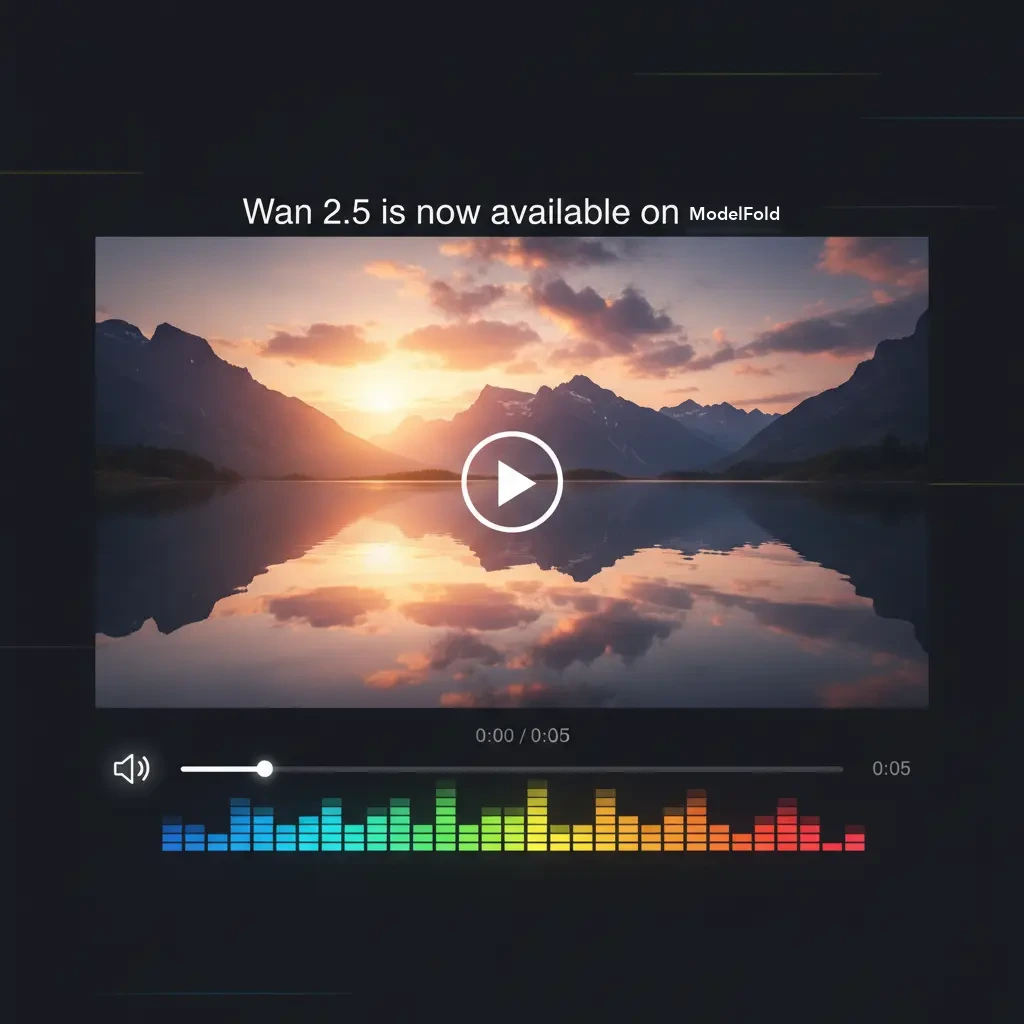
Wan 2.5 Preview は、映像と音声を一緒に生成する Alibaba の動画モデルで、最大 10 秒の動画に対応します。ModelFold では wan/2-5-text-to-video と wan/2-5-image-to-video の 2 つの API モデルとして利用できます。
料金: 720p で毎秒 18 クレジットから(5 秒で 90)。出力秒数に課金します。各解像度は下の料金表をご覧ください。
新着・人気の AI モデル
Wan 2.5 API
Wan 2.5 Preview is Alibaba's video model that generates audio together with the video, in clips up to 10 seconds long. on ModelFold it runs as two API models: wan/2-5-text-to-video and wan/2-5-image-to-video.
Models and variants
Select a model type for your task. The Playground uses the selected variant’s parameters and examples.
2 5 Image To Video
Model ID: wan/2-5-image-to-video. Check this variant’s required inputs and supported reference formats before submitting.
2 5 Text To Video
Model ID: wan/2-5-text-to-video. Check this variant’s required inputs and supported reference formats before submitting.
How to use
- 1
Select a variant
Choose a model type at the top of this page and review its rates and input requirements. Variants may support different reference media and outputs.
- 2
Prepare inputs
Fill in the Playground fields, supply any required image, video or audio, and adjust the available parameters. Examples demonstrate the workflow; use reference material you have permission to use.
- ✓
Review the result
Sign in, submit the task, and preview or download the result when it is ready. Task status is available in your account logs. For automation, use the API example below and the model documentation.
Parameters and pricing
The price table shows current ModelFold rates. Charges depend on the selected variant and its billing parameters. Size, resolution, duration, reference media or output count affect pricing only where specified by the model’s billing rules. Review the Playground estimate and your balance before submitting. Use the model ID and fields for your selected variant. Image, video and audio tasks have different inputs. For asynchronous tasks, wait for the status update rather than resubmitting while a result is pending.
Frequently asked questions
Are examples generated automatically?⌄
Examples are static demonstration assets. Browsing the page or switching variants does not generate content. Submitting a task calls the model and consumes credits at the displayed rates.
How should I choose parameters?⌄
Choose the model type first, then provide the fields and reference material its form requires. Do not assume every variant shares the same resolutions, durations or input limits.
How can I integrate it?⌄
Create an API key in your account, then follow the API example and model documentation. Keep the key on your server, outside browser code and public repositories.
| 720p | 90 クレジット video |
| 1080p | 150 クレジット video |
秒単位で課金します。上記は各解像度で 5 秒の場合の料金です。長さに比例して料金が増え、Playground でも同じ計算を使います。
curl https://ai.modelfold.online/v1/videos/generations \
  -H "Authorization: Bearer $MODELFOLD_API_KEY" \
  -H "Content-Type: application/json" \
  -d '{"model":"wan/2-5-image-to-video","prompt":"...","resolution":"720p","duration":5}'